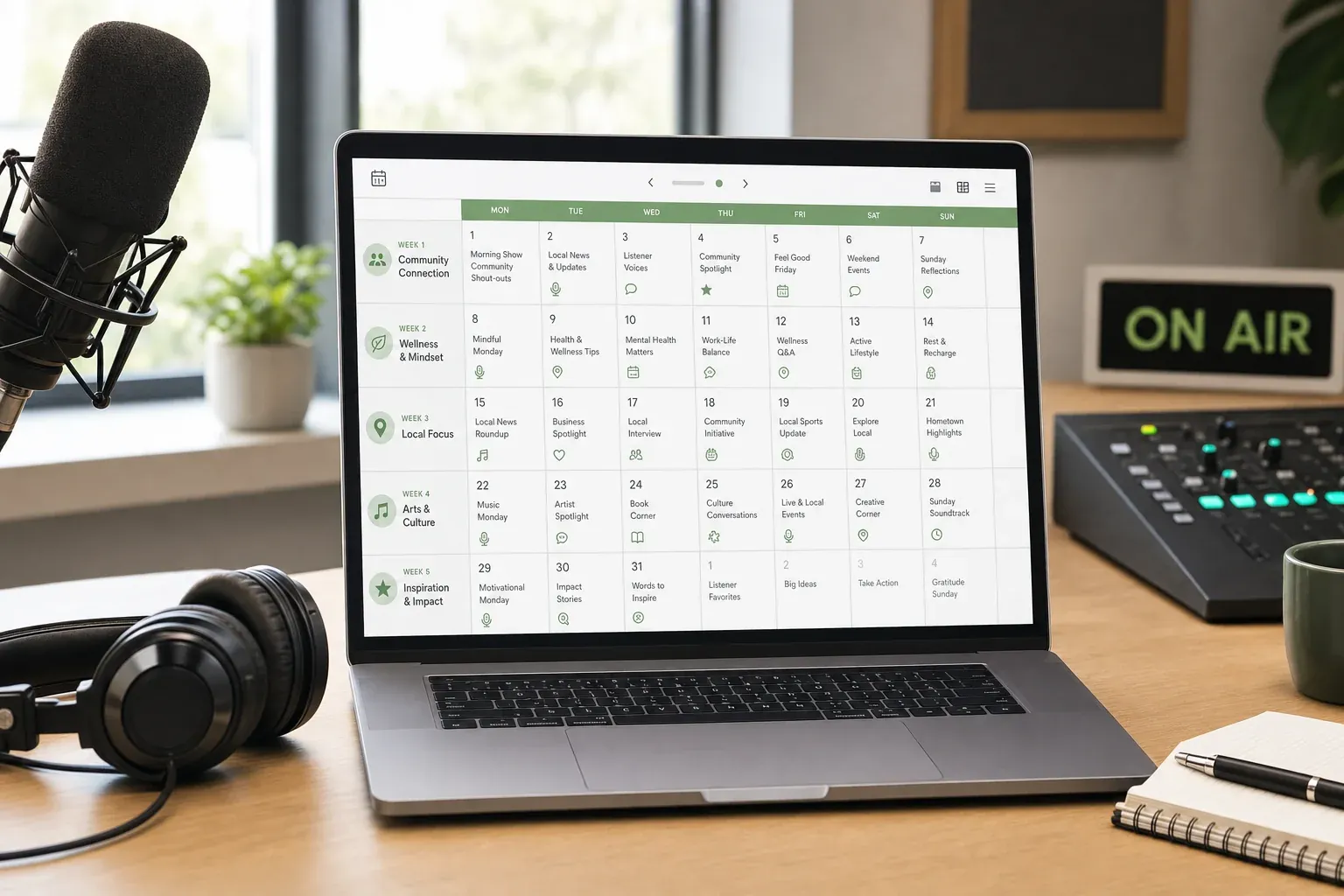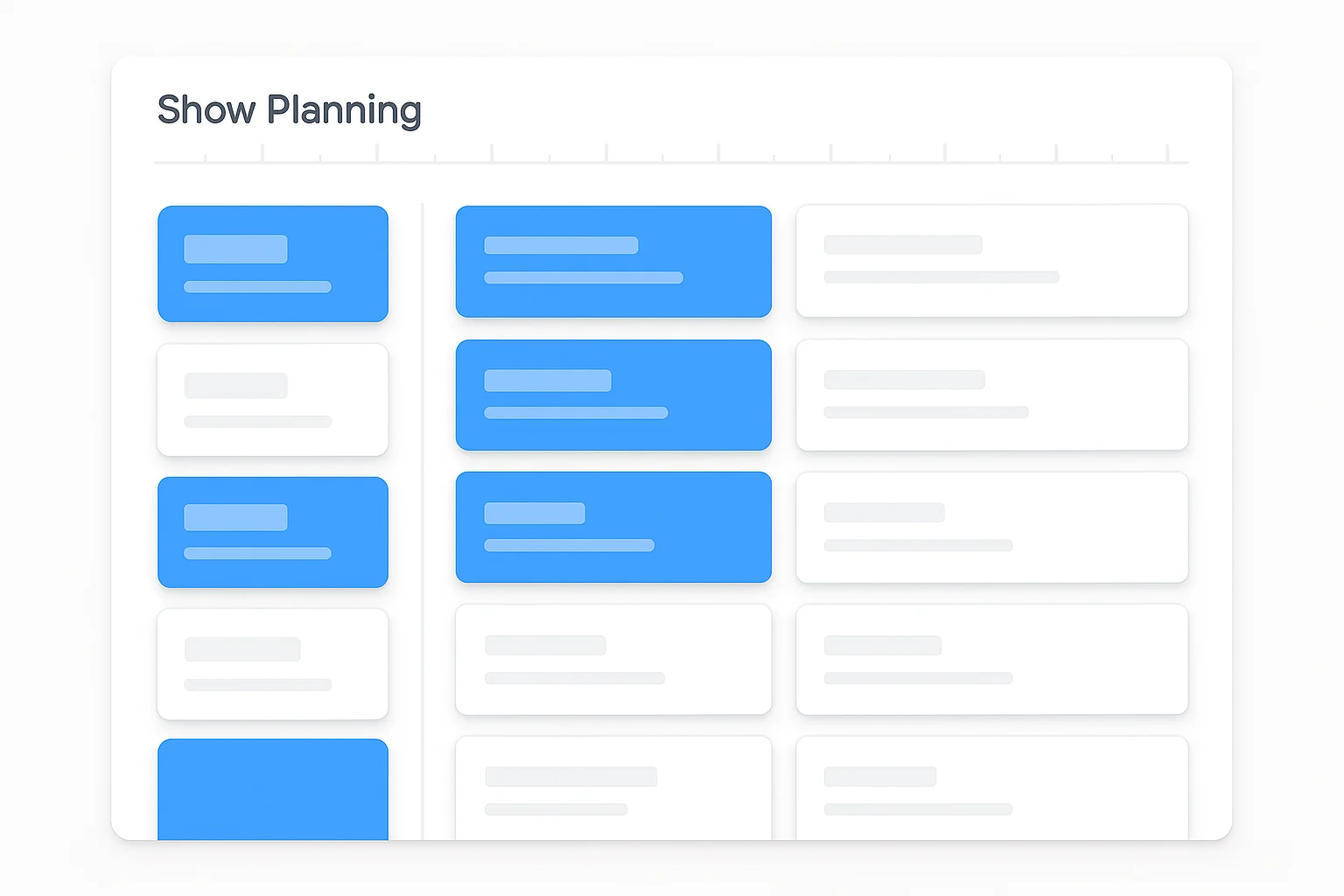

We built a show planning tool directly into RCP. Save stories from the content library, organize them into named show plans, select exactly which content pieces you want for each story, and export the whole thing as a branded PDF rundown.
No more copying and pasting between tabs. No more "I saved something yesterday but can't find it." Your show, planned and exported.
How It Works
1. Browse & Save
As you browse content on RCP — whether you're scrolling the feed, filtering by category, or checking trending stories — every post has a bookmark icon. Click it, and the story goes into your personal library.
Save anything that catches your eye. You can always remove it later.
2. Your Library + Your Plans
Head to the Saved Posts page and you'll see a two-panel layout:
Left side: Your Show Plans. You can create up to 5 named plans — "Monday Morning," "Afternoon Drive," "Tuesday Voice Track," whatever fits your schedule. Each plan is a separate rundown.
Right side: Your Library. Everything you've saved, searchable and filterable. Click "+ Add" to drop a story into whichever plan you're building.
3. Build Your Rundown
Inside each plan, drag stories into your preferred order. Opener first, phone topic in the middle, closer at the end — whatever structure works for your show.
Then expand any story to see its available content pieces. This is where Show Builder gets powerful. Each RCP story comes with up to 15+ ready-to-use formats grouped by type:
Teases — 3 different hooks for pre-break momentum Scripts — Commentary scripts, 10-second reads, 20-second reads Responses — Edgy, mainstream, and family-friendly angles Phone Topics — 4 discussion starters for listener call-ins Digital Content — Blog post, Facebook, X/Twitter (3 tones), Instagram
Check the boxes for only the pieces you need. A voice tracker might grab just the tease and 10-second script. A morning host might want the full commentary plus phone topics. A PD might select everything for a talent packet.
4. Export a Branded PDF
Hit export and your show plan downloads as a clean, branded PDF. Every story in your order, with only the content you selected. Grouped by type, numbered, formatted for printing or reading on your phone.
Take it to the studio, AirDrop it to your co-host, email it to your producer. Walk in prepared.
Who It's For
Morning show hosts juggling 4 hours of content. Map your entire show across one or more plans. Save stories throughout the day as they pop up, then build your rundown the night before.
Voice trackers prepping for multiple stations. Create a separate plan for each market. Same content library, different selections, different exports.
Program directors building show plans for talent. Set up Team Accounts for each host ($9/month per user) and they get their own login, their own plans, their own exports. Drop a message: "Your prep is in Show Builder." One of the most productive investments you'll make as a PD.
Weekend and fill-in hosts who need to prep fast. Scan the library, grab what looks good, arrange it, export it. Done in 15 minutes.
What Makes This Different
Most show prep is reactive — you scroll content, copy what catches your eye, paste it into a doc somewhere. Show Builder makes it intentional.
When your show has a through-line — stories sequenced deliberately, each segment building on the last — listeners feel it even if they can't name it. The show has flow. Show Builder helps you create that in minutes instead of hours.
The 5-plan system also means you're not rebuilding from scratch every day. Monday's plan doesn't disappear when you start Tuesday's. Everything persists until you clear it.
Try It
Show Builder is live now for all RCP subscribers. Included with your $99/month subscription — no add-on, no extra cost.
Already a subscriber? Log in and build your first show plan.
New to RCP? Start your free trial and get full access to Show Builder, Ava Hart, all 10 format kits, and everything else.
And if you haven't already, build your free Character Profile — it pairs perfectly with personalized Ava output inside your show plans.
Ready to simplify your show prep?
Try RCP free for 7 days. $0 until day 8
Step-by-step walkthrough: How to Use Show Builder