
Radio Content Pro isn't just another prep service. It's your creative partner—a tool designed to amplify your personality, save you hours each week, and help you stand out in a crowded radio landscape. Whether you're building a show from scratch, creating content across multiple platforms, or managing voice-tracked shifts, RCP gives you the foundation to create entertainment that only you can deliver.
This guide consolidates everything you need to know to get the most from RCP, from finding the right content to repurposing it across multiple channels.
Getting Set Up: Your First Steps
Understanding the Core Philosophy
RCP starts with a relevant topic—something your audience cares about or has heard of. But here's the difference: you're not just reporting facts. You're turning information into entertainment.
The platform provides you with:
- Curated stories with multiple angles to explore
- Three distinct reactions (Edgy, Mainstream, Family-Friendly) for every story
- Discussion threads designed to spark brainstorming and creativity
- Pre-written teases that drive Time Spent Listening (TSL)
- Ready-to-use headlines and summaries you can personalize
Finding Content Fast
The lightning-fast search function is one of RCP's superpowers. Head to the Browse Content page and type any topic you want to talk about. Whether it's a current event, a trending topic, or a niche subject, RCP instantly delivers a rich library of related content.
No sifting through dozens of websites. No waiting for results. The intuitive interface lets you filter and search with zero hassle. This is how you stop wasting time on research and start creating.

Creating Your Show Prep
The Brainstorming Process
Every great segment starts with inspiration. RCP provides this through a structured brainstorming approach:
Step 1: Read the Headline Form an immediate, gut reaction. What's your first instinct about this story?
Step 2: Scan the Summary Understand the important facts. What's the core of this story that matters?
Step 3: Explore the Discussion Threads At the bottom of each story, you'll find three suggested topics—these are threads you can pull. They're starting points, not destinations. Ask yourself:
- How can this be twisted or approached differently?
- What unique angle can I bring based on my emotional reaction?
- How can this be more entertaining, controversial, or engaging?
- What hook is uniquely mine in my own voice?
Use these threads as a foundation, then build upon them with your insights, humor, and personality. Let your reactions inspire your hot takes, and think about how the topic can drive listener interaction, phone calls, or social engagement.
This is how you move from "another story everyone's talking about" to "only my show is talking about it this way."
Creating Information Report Stories
When you're writing a story for an information report, entertainment report, trending report, or newscast, follow this battle-tested formula:
Start with the Core: Copy the RCP summary—it's already a well-structured foundation with crucial details.
Edit for Your Voice: Adjust the copy to reflect your style, tone, and personality. This is non-negotiable. Your personality is what listeners tune in for.
Add a Reaction or Question: Choose one of the three reactions provided by RCP, or pose a question based on the story to turn it into a potential phone topic. This invites listener interaction and adds depth.
Don't Forget the Tease: A good tease is crucial for drawing listeners to a segment. RCP offers teases ready to use or ready to tailor. This ensures your audience stays tuned.
Bringing it together: personalized story + reaction or question + captivating tease = a segment that's both informative and rich in personality.
The Power of Teases (TSL Builders)
Let's be clear: teases matter more than you think.
Television networks spend hundreds of thousands of dollars on marketing professionals whose only job is writing teases. That's how critical they are. These short promos are the difference between a listener staying tuned or switching off.
The teases provided by RCP are exceptional. We've invested significant time and resources to fine-tune how these teases are generated so they outshine over 90% of the teases on the air today.
Here's why they work:
- Just one additional listening occasion per day can increase ratings by up to 50%
- Extra listening occasions per week can potentially double your ratings
- Effective teases are strategic tools for audience growth—just as important as the content itself
With RCP, you have amazing teases at your fingertips. No more scrambling at the end of a song. No more missed opportunities. You have a virtual marketing guru providing teases that spark curiosity and drive listener engagement.
Creating Show Prep for Different Formats
Solo Shows: Your Creative Collaborator
Solo radio hosts face unique challenges. There's no co-host to bounce ideas off. No dynamic conversation happening naturally. But RCP fills that gap.
Start with a nugget from the summary. Choose a reaction that resonates with you. Craft it in your voice and edit it to fit your song intro. Now you're not just a DJ—you're a personality.
The key is injecting your personality into every reaction and response. It's easy to get into a rut and have every segment sound the same. RCP acts as your talent coach, providing a steady stream of inspiration to keep your show fresh and uniquely yours:
- You have amazing topics constantly at your fingertips
- You have pre-written teases and comments to spark your passion
- You have multiple angles on every story so your reactions stay original
- You stop wasting time collecting facts and start creating entertainment
Voice Tracking: Breaking the Monotony
Voice tracking multiple stations is now standard in radio. But it can feel repetitive, and that repetition shows in your performance.
RCP solves this with fresh perspectives, unique hot takes, and varied topics. Use the powerful search function to pull multiple stories on the same topic, giving you more ideas to choose from. Since shows are often recorded hours before airing, RCP's continuous update cycle ensures you have the latest stories—no outdated content, no repeating what the morning show already covered.
Here's the workflow:
- Search for your main topic and browse multiple story options
- Choose different angles for each track using the reactions and discussion threads
- Adapt each take to your voice so no two stations hear the same content
- Use category filtering to customize your prep workflow and save time
Every voice track can have a unique angle, making your segments more interesting for listeners and more creatively fulfilling for you. You're not repeating the same content over and over—you're delivering fresh takes that show you're genuinely engaged.

Digital & Social Content
Blog Posts in Minutes
Radio companies demand blog posts from personalities more than ever. Sometimes it's connected to your on-air content; sometimes it's not. Either way, RCP is your blog shortcut.
Here's the five-minute formula:
- Copy the Summary into your blog editor. It's already a concise, well-structured piece.
- Personalize Your Voice with quick edits that reflect your unique style.
- Add a Reaction by choosing from Edgy, Mainstream, or Family-Friendly options.
- Finalize with a Headline (copy it from RCP, tweak if needed).
- Publish.
What might have taken hours now takes less than five minutes. Your posts will probably be more engaging than what you'd create starting at a blank cursor—because RCP gives you structure, personality options, and a headline that's already optimized.
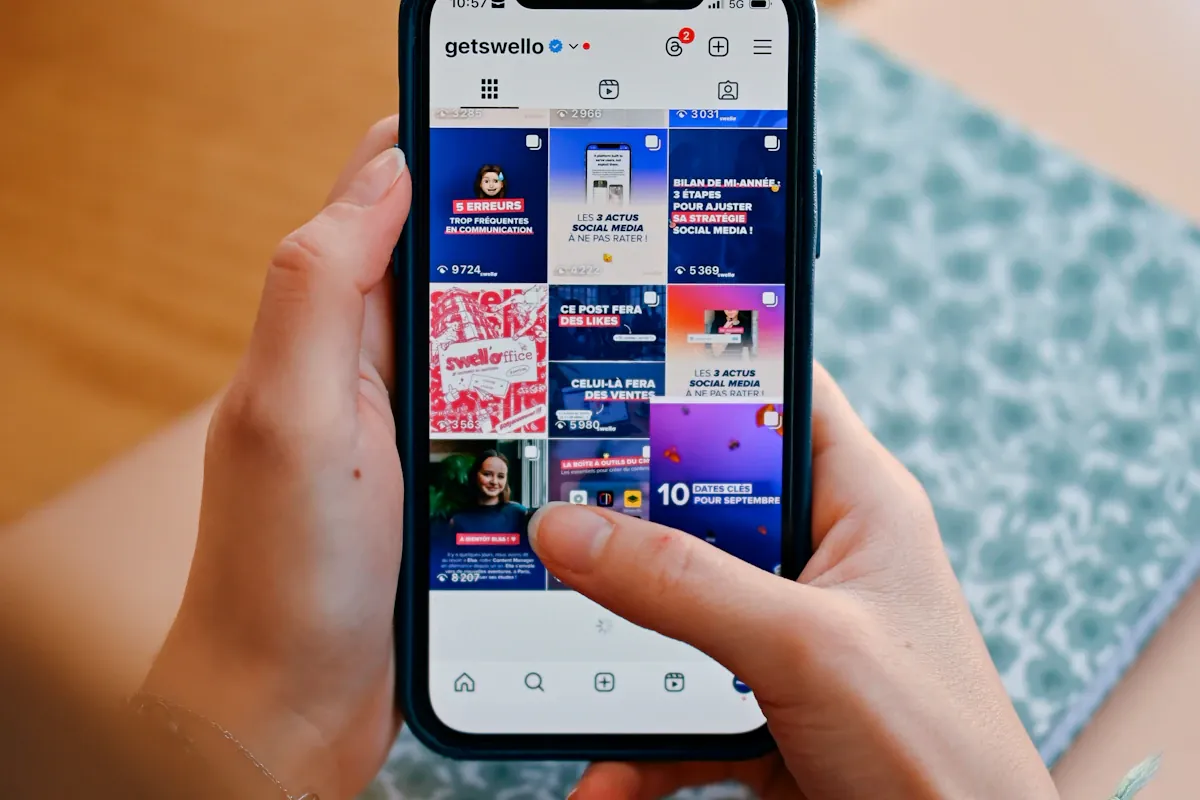
Social Media Posts: Three Minutes, Three Platforms
Your boss requires posts on Facebook, IG, and X. Maybe a video too. Here's how to do it faster than you think.
Beginning: Copy the summary. This is your base content for all platforms.
Facebook: Edit the summary to add a personal touch. Include a question from the bottom of the RCP page to encourage engagement and discussion. Add the headline from RCP. Done.
X (Twitter): Post the tease or headline from RCP. Use the same engaging question and link back to your Facebook post. This creates cohesive cross-platform presence.
Instagram: Tighten the edited summary further. Turn on your camera and record a short video using this script. End with a question to engage followers. Post the video with the question in your caption.
In just three minutes, you've created tailored content for all three platforms. Each post is designed to engage your audience and start conversations. If you have audio on demand from your show, link from each post to that clip.
You're not just posting content—you're extending your show's reach and driving engagement across platforms.
Repurposing Content: One Topic, Multiple Stories
This is where RCP becomes truly powerful. One topic can fuel an entire day of content across multiple channels.
Let's say you're working with U2's Sphere concert in Las Vegas. Here's how to maximize it:
-
Entertainment Report: Use the summary for your segment. Edit it for your show and add your personality.
-
Tease: Grab the RCP tease and add it to your runsheet. Promote the segment between songs.
-
Talk Segment: Use one of the discussion threads as a standalone phone topic. Tweak it to drive callers and conversation.
-
Caller Response: Use one of the three reactions and assign it to a caller, texter, or voiceover. This creates dynamic conversation.
-
Social Media: Create a tightened summary for your main social platforms. Add one of the reactions as a comment-baiting question.
-
Blog Post: Use a different angle from the story library and write a blog post with a different perspective.
You're taking one core topic and creating entertainment report segments, phone topics, teases, social content, and blog posts—all from the same source, but each with a unique angle. This is content multiplication, and it's why RCP saves you hours every week.
Standing Out: The Unique Angle Advantage
Here's a hard truth: most radio shows harvest the same "low-hanging fruit" from a limited pool of sources. When everyone uses the same prep services, everyone ends up covering similar stories in similar ways. This creates homogenized radio where shows in the same market—even on the same station—sound eerily similar.
RCP changes this dynamic by providing:
- Unique angles beyond the obvious that your listeners won't hear anywhere else
- Fresh ideas and discussion threads specifically designed to spark original thinking
- Diverse reactions (Edgy, Mainstream, Family-Friendly) so you can choose perspectives that don't match your competitors
- Deep content library with tens of thousands of pieces constantly updated
The result? Your show sounds distinct. You're getting past the creative hump and unleashing your personality with content that's uniquely yours.
This isn't just an advantage—it's a necessity in modern radio.
Using the Three Reactions Creatively
Every story in RCP comes with three distinct reactions, each designed to inspire you and resonate with different audience segments. Here's how to use them strategically:
If you're Mainstream or Family-Friendly: The Edgy reaction might not match your on-air persona, but don't ignore it. Attribute it to a hypothetical caller, text message, or social media comment. Say, "Some people think [edgy reaction], but here's what I say..." This introduces contrast without compromising your character and enriches the conversation.
If you're Edgy: Use the Family-Friendly or Mainstream reactions to introduce a softer perspective. This provides balance, sets up punchlines, and creates dynamic discussions. "I know some of you are thinking [softer reaction], but I'm telling you..."
On Social and Blog: Use different reactions on different platforms for the same story. This initiates new conversations and extends engagement across channels.
The key is creative adaptation. Don't disregard comments that don't fit your character brand—repurpose them strategically.
Maximizing Your Efficiency
Time-Saving Workflows
RCP isn't just about content quality—it's about reclaiming your time:
- Search once, use everywhere: Find a topic, then pull multiple stories from that search to create various content assets.
- Batch your social posting: Grab 3-5 stories at once and create your entire week's social calendar in one sitting.
- Prep multiple shows simultaneously: If you track multiple stations, use the category filtering to customize your prep workflow and create show-specific content quickly.
- Blog writing becomes a breeze: Personalize summaries in real time as you prepare your show, not as a separate task later.
The Category Filter
RCP's category selection tool is underrated. You can handpick the categories that matter to your show and filter content to save time. If your format is music-focused, filter out political news. If you're news/talk, prioritize certain categories. This means you see exactly what you need when you need it.
Frequently Asked Questions
Q: Is RCP just summaries? Can I use this content on air? A: RCP provides summaries, reactions, teases, discussion threads, and headlines that you personalize with your voice. Everything is a foundation for your creativity, not a script to read verbatim. The best RCP users adapt everything to their personality. Your listeners tune in for you, not for RCP content.
Q: How often is RCP updated? A: RCP's content is continuously updated with new stories, angles, and reactions. This means you always have fresh material, even when covering the same topics across multiple shows or voice tracks.
Q: Can I use RCP if I co-host? A: Absolutely. RCP is designed for every format—solo hosts, co-hosted shows, team environments. Co-hosts can use RCP's reactions and discussion threads to inspire different perspectives and create dynamic on-air chemistry.
Q: I'm voice tracking five stations. How do I keep content unique across all of them? A: Use RCP's search to find multiple stories on the same topic. Choose different angles and reactions for each station. The discussion threads give you plenty of raw material to work with. This is exactly what RCP was designed for.
Q: How do I fit RCP into my existing workflow? A: RCP replaces the part of your prep where you're searching dozens of websites. Instead of sifting through low-value sources, you're pulling from one curated platform. Most users find they cut prep time in half while improving content quality.
Q: What if I don't know what to talk about today? A: Browse the content page without searching. You'll see trending topics and stories. Scan headlines, pick something that sparks an emotional reaction, and dive into the summary and discussion threads. Inspiration is waiting.
Q: Can I use these teases on social media too? A: Yes. RCP's teases are versatile. Use them on social to promote your show or as curiosity-driving posts on their own. They're crafted to spark interest across every platform.
Q: How much time will RCP actually save me? A: Most personality users save 5-8 hours per week on content prep. That's time you get back for creativity, family, or other projects. Voice trackers often save even more time by eliminating redundant prep across multiple stations.
Ready to transform your radio show? RCP gives you the tools, content, and structure. You bring the personality, voice, and entertainment. That's the formula for shows that stand out.
For detailed workflows specific to your show prep routine, check out our full guide. Or grab our show prep checklist to streamline your daily process. For morning show hosts specifically, we've created a resource on morning show content ideas that pairs perfectly with RCP.
Ready to simplify your show prep?
Try RCP free for 7 days. $0 until day 8