


One of the things I've heard most from program directors over the past year is some version of this:
"RCP is great, but my whole morning show needs to use it. Right now we're all sharing one login, and it's a mess."
Today that changes. Team Accounts are live.
Let Ava build tomorrow’s show
Stories picked for your format, ready by your time, written in your voice.
What's New
You can add teammates to your RCP subscription for $49/month each (or $499/year per seat). Each seat is billed with your subscription.
Here's what each team member gets:
- Their own login: no more shared passwords or logging each other out
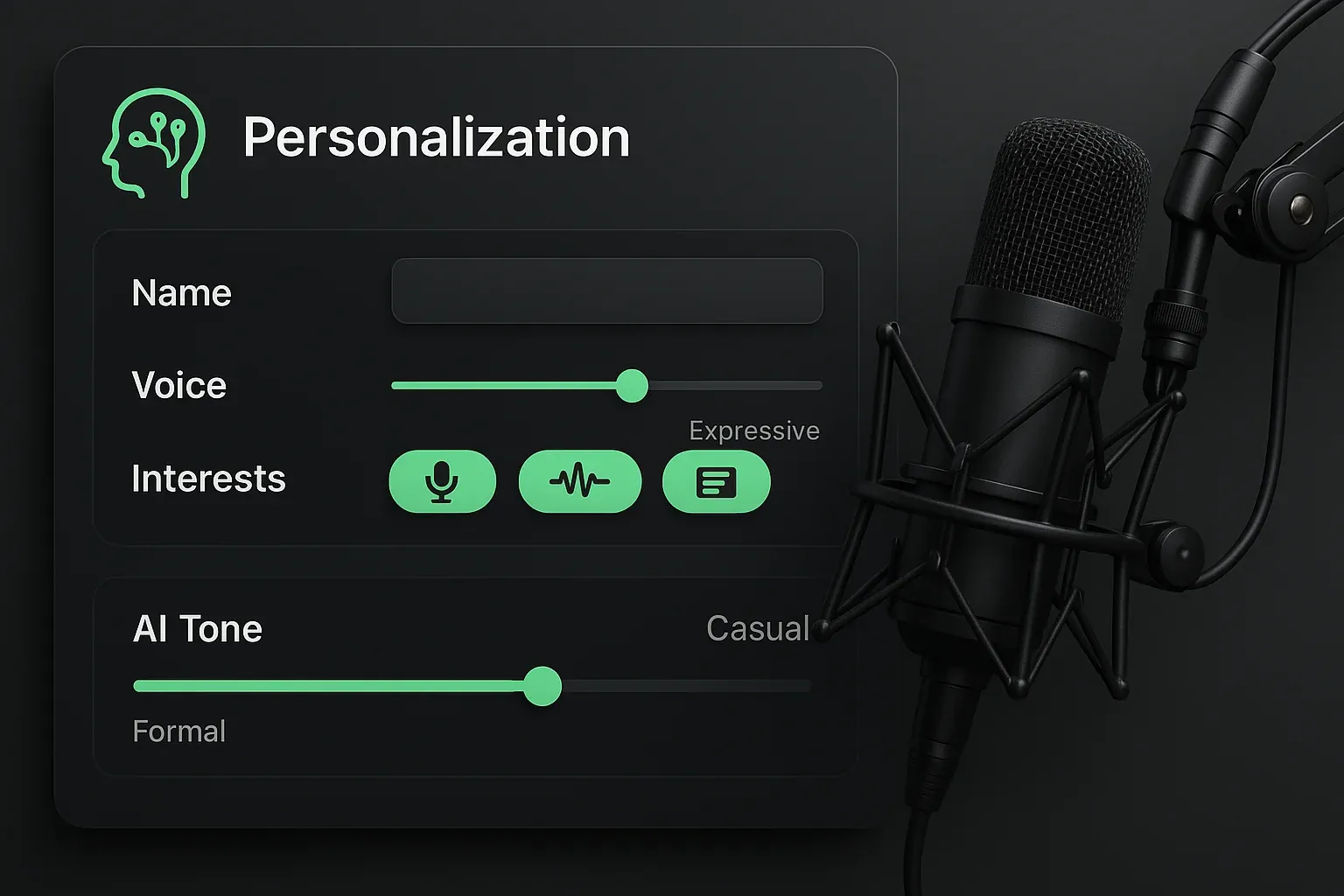
- Their own Ava: each person sets up their own Character Profile (voice, on-air character, content preferences), so «In my voice» and everything Ava writes is tailored to them
- Their own shows: their own For You, their own show schedule and their own shows in Show Builder
- Their own Saved stories: bookmarked stories that stay put between sessions
- The full platform: the same stories, Daily Prep and local stories as your main account
Why This Matters: Your Own Ava Is the Big Deal
The feature that makes Team Accounts genuinely different is a separate Ava for every host.
When everyone shares one login, Ava has to be generic. She has no idea if she's writing for your drive-time PD or your weekend fill-in voice tracker. She does her best, but there's only one profile to draw from, so the output is the same for everyone.
With Team Accounts, each person builds their own Character Profile: their on-air voice, their character, their content style, the audience they're talking to. Your morning show host sets up an edgy, pop-culture-forward profile. Your midday host goes warm and community-focused. Your afternoon drive personality goes in as quick, punchy, sports-obsessed.
Now when each host presses «In my voice» on a story, asks for a tease, or asks Ava to brainstorm a bit, the result is shaped by their voice and character, not a generic station-level setting.
Same stories. Completely different delivery. Tuned to each host, every shift, every market.
That's what personalization at the team level actually looks like. We built the Character Profile system for exactly this.
The Math
Five-person station:
- Base subscription: $199/month
- 4 team members at $49/month: $196/month
- Total: $395/month
That's $79 per person per month for AI show prep with their own Ava, their own shows and Daily Prep included.
Existing members keep their current rate.
No More Show Plan Chaos
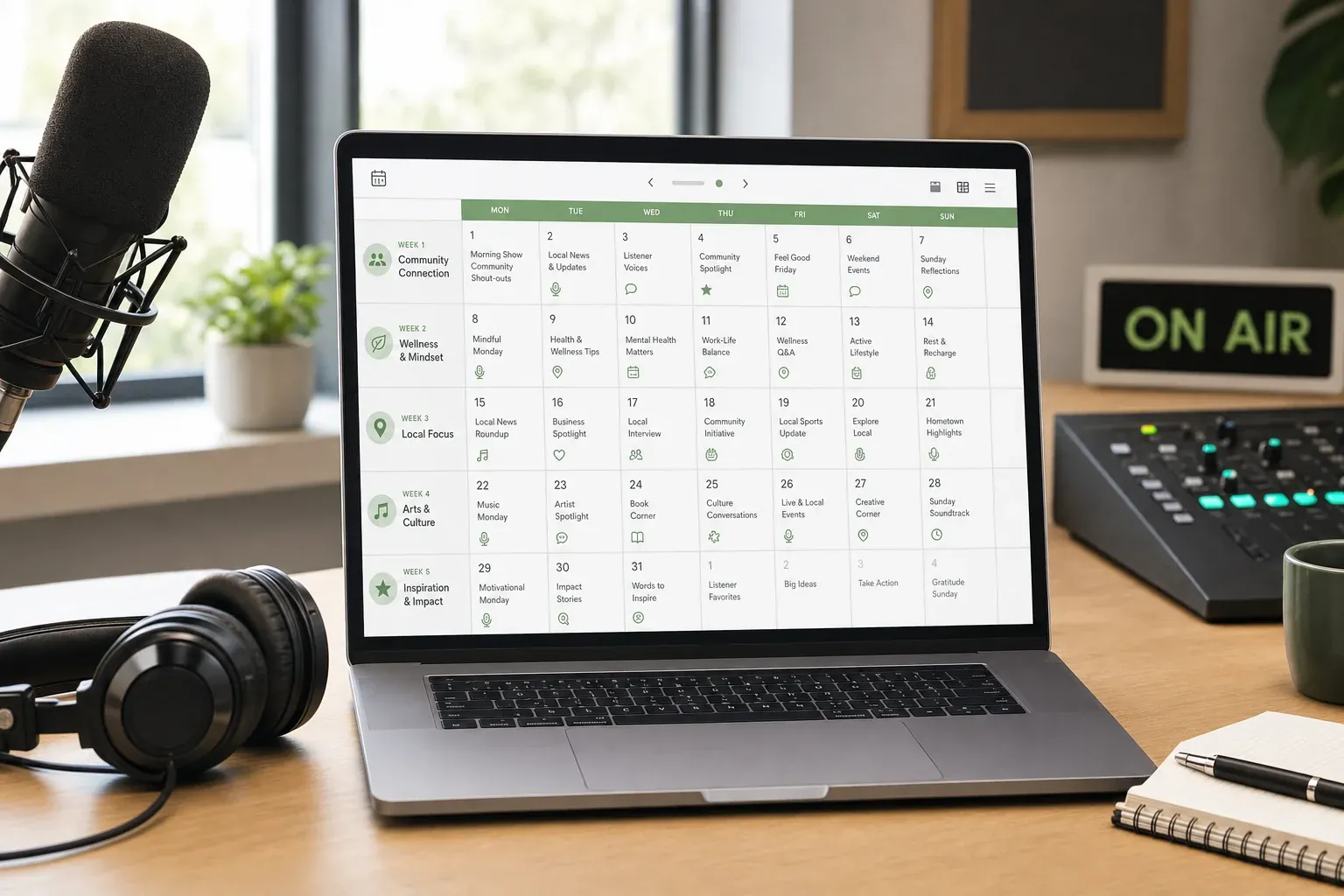
The other thing I heard constantly was about Show Builder. When multiple hosts use one account, shows get overwritten. Someone rebuilds their afternoon drive run and wipes out the morning crew's prep.
With Team Accounts, every person gets their own Show Builder. Morning show sets its own «Ready by». Afternoon drive builds its own shows. Nobody touches each other's stuff. Everyone walks in prepared.
Learn more about Show Builder →
How to Add Your Team
If you're a subscriber:
- Sign in to Radio Content Pro and open «Settings»
- Find «Team»
- Type your teammate's email in «Invite by email» and press «Send invite»
- They open the link in the invitation email, then set up their Character Profile so Ava writes in their voice
That's it. Each seat is billed with your subscription, at the price the card shows. To take someone off, press «Remove» beside them; removing a seat stops its billing. To cancel an invitation that hasn't been accepted, press «Revoke».
Who Manages Billing
Billing stays with the account owner. Teammates see «Your team» in their Settings and whose team they're on; their access comes with your subscription at no cost to them, and only the owner manages seats.
Get Started
If you're already a subscriber, sign in and open Settings › «Team» to add your team.
If you're not yet a subscriber, start your 7-day free trial. No card needed. Choose a plan in the app when you're ready, then add your teammates.
Questions? Hit me directly at hello@radiocontentpro.com. I read everything.
Let Ava build tomorrow’s show
Stories picked for your format, ready by your time, written in your voice.
Full Team Accounts documentation is on the Team Accounts page.