
A version of this conversation has happened in just about every demo I've done over the past year:
"I read articles all day in my browser. Then I have to copy a paragraph into RCP, paste it in, ask Ava for a tease, save it back somewhere, and repeat that fifty times before my show. Why doesn't the tool just live where I'm already reading?"
Fair point. Today the RCP Chrome Extension goes live.
What's New
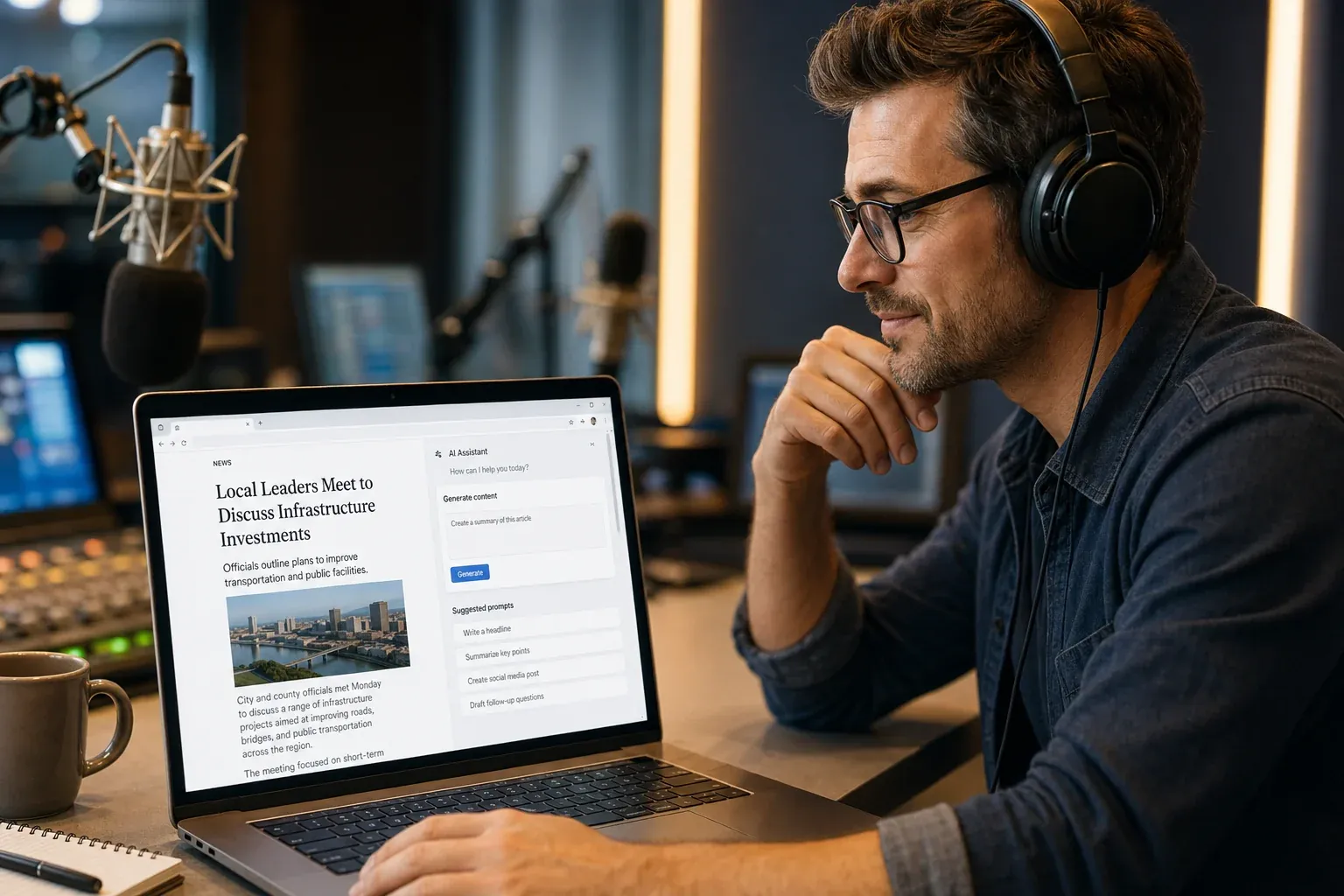
The RCP Chrome Extension puts Ava Hart inside your browser. You're reading a story on Rolling Stone, The New York Times, Variety, your local newspaper, a wire service, a trade publication — wherever. Including the paywalled stuff you already subscribe to. If you can read it, Ava can read it. Open the side panel, highlight the part you care about, and Ava turns it into teases, talk breaks, scripts, or social posts on the spot, tailored to your voice. Everything you save syncs straight to your RCP library.
Three primary actions, all one tap away:
- Ask for Teases — Three formatted teases for the story you're reading, ready to drop into your show plan
- Shape a Talk Break — Angle-specific copy tuned to your audience and format
- Save to Library — Tag the output as a Tease, Script, Phone Topic, Social, or Custom and ship it straight to RCP
No copying. No pasting. No tab-switching. The story you're reading is already the context — Ava just picks it up.
Why This Matters
I'll tell you what I've learned watching real hosts use RCP for two years: the friction isn't the AI, it's the workflow around the AI.
Ava can write a strong tease in three seconds. But if it takes you two minutes to copy the article, paste it into RCP, frame the prompt, save the output, and find it again later — you didn't save any time. You just moved the work around.
The extension removes that workflow tax entirely. The web is where most show prep already happens. Now the tool is in there with you.
A morning show host reading Rolling Stone between segments can pull three teases out of a feature story in the time it takes to refill their coffee. A talk host working through a New York Times opinion piece can highlight one paragraph and get a phone topic engineered for their audience. A voice tracker hitting four markets in an hour can save the same article to four different show plans, with Ava generating different angles for each market's voice. A weekend fill-in can prep an entire 4-hour show from inside their browser, drawing from the same publications they were already reading anyway.
Same Ava. Same library. Same format kits. Less friction.
How It Works
1. Add It to Chrome
Install Radio Content Pro from the Chrome Web Store. One click. Sign in with your RCP account — if you're already logged in at app.radiocontentpro.com, it picks up your session automatically. Pin the icon to your toolbar and you're done. Whole thing takes under a minute.
2. Open the Side Panel on Any Page
You're reading a story. Click the RCP icon. The side panel opens with the page's text already loaded as context — no copying required. If something changed after the panel opened (you scrolled, a story updated), one tap refreshes it.
3. Use a One-Click Action or Highlight a Passage
Pre-built action chips handle the common stuff: teases, talk break, phone topic, tweet, Instagram caption. No prompt-writing required.
If you want surgical control, highlight a passage on the page. A small floating button appears. Click it and Ava works just from that selection — perfect for skipping fluff and grabbing the one quote that matters.
4. Save to Your Library
Hit save on any output and tag it as a Tease, Script, Phone Topic, Social, or Custom. It lands in your RCP saved-posts library, which means it's already in Show Builder, already in Daily Prep, already exportable to a branded PDF. The extension is the front door — the rest of RCP is behind it.
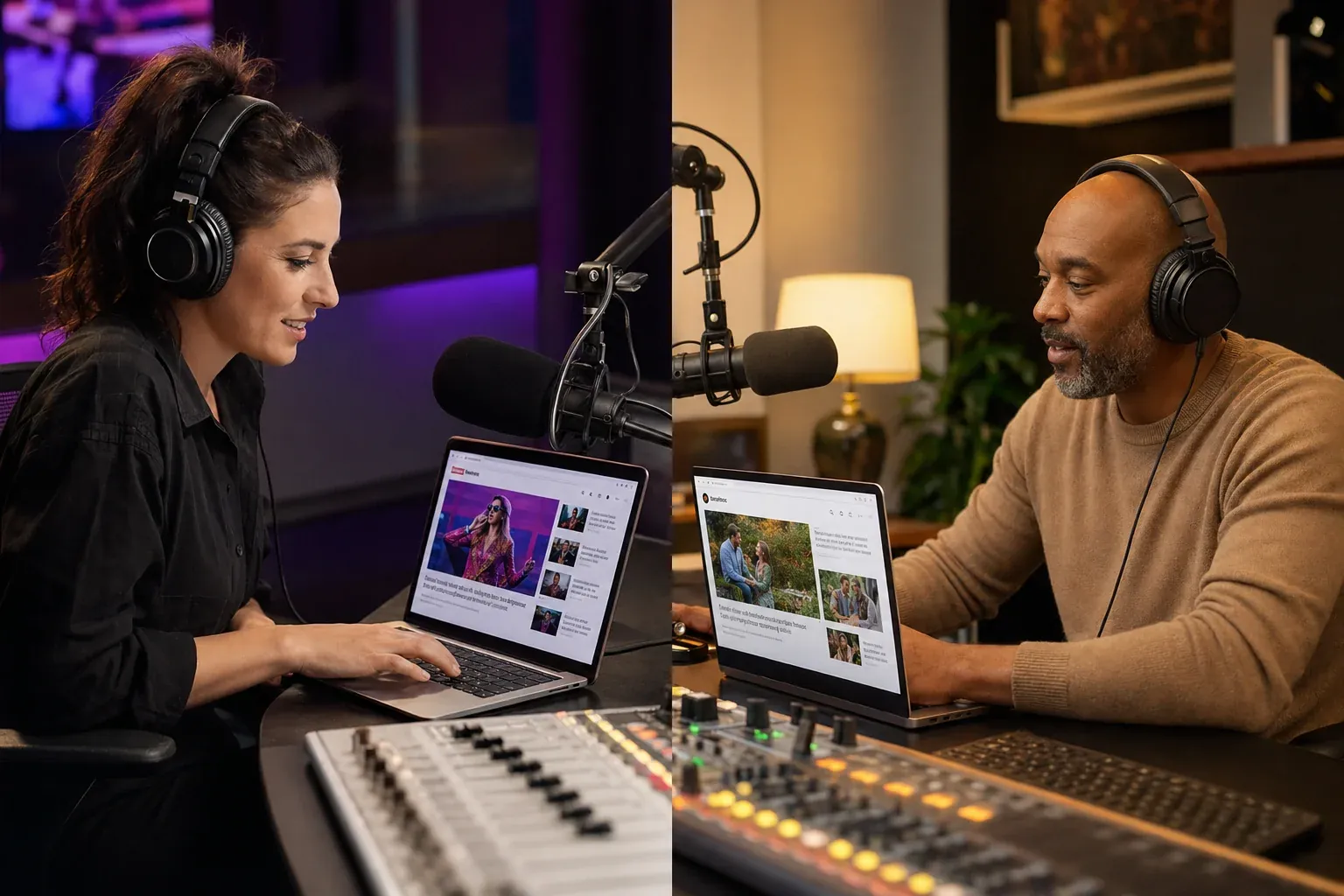
Tailored to Your Voice — Not Generic AI Output
This is the part I'm most proud of, and it's also the part most generic browser AI tools get wrong: the output is shaped by your Ava customizations, not just the article you're highlighting.
Most "AI in your browser" extensions are one-size-fits-all summarizers. You highlight a paragraph, you get a paragraph back, and it sounds like every other AI-generated paragraph on the internet.
That's not what this is.
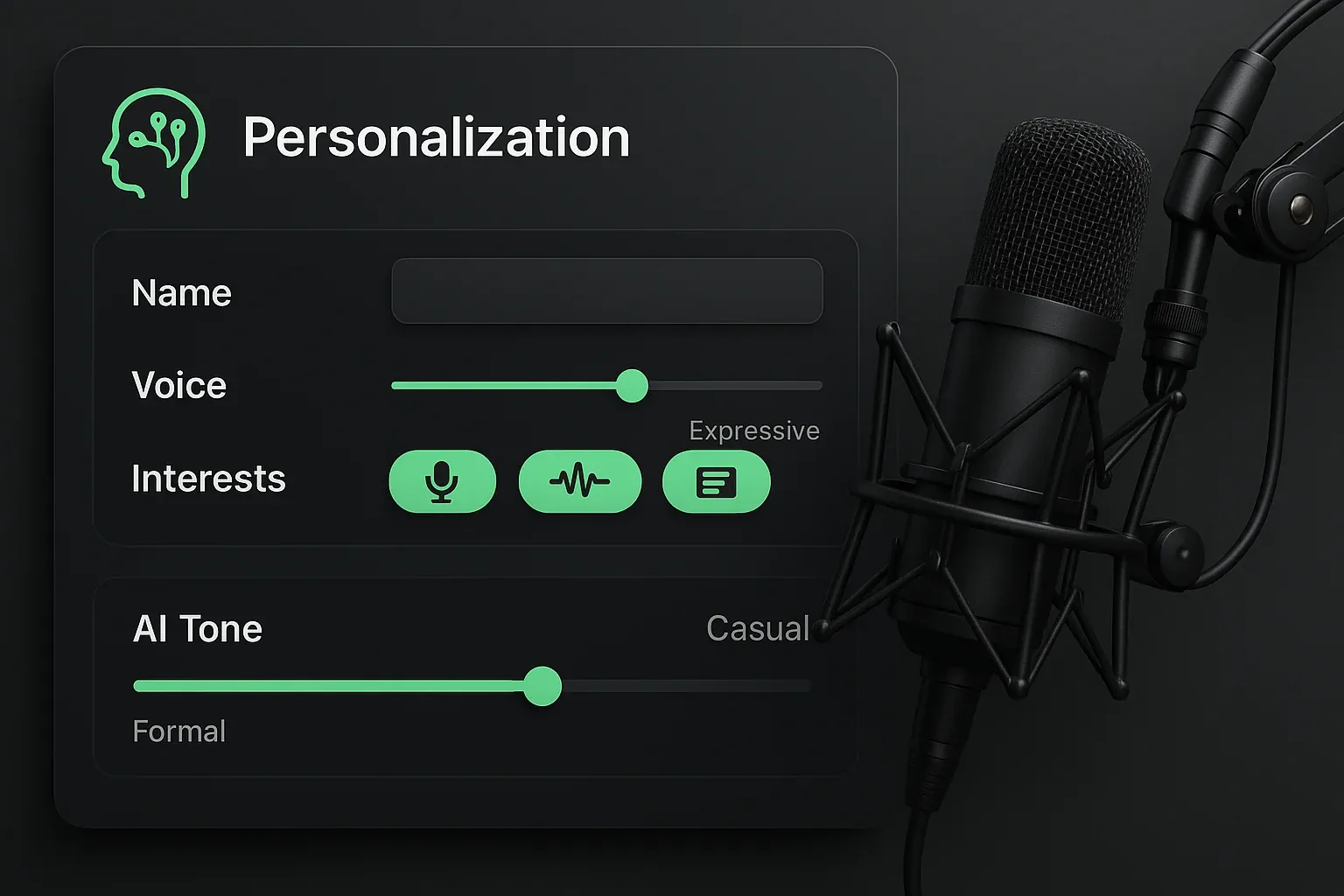
When you've set up your Character Profile — your on-air voice, your audience, your format, your tone, the things you'd never say and the things you say constantly — Ava carries all of that into every page you read. Same New York Times article, two different hosts: an edgy morning show personality gets edgy, pop-culture-forward teases. A warm midday host on a Christian station gets thoughtful, listener-grounded angles on the same story. A sports talk host gets a phone topic with a take.
Same source material. Completely different output. That's because Ava already knows who you are when you walk into the article — you don't have to re-explain it every time.
If you haven't dialed in your customizations yet, build your Character Profile before you start using the extension. It's the difference between AI that sounds like AI and AI that sounds like you.
What It Doesn't Do
A few things to set expectations on:
- It doesn't read pages in the background. The side panel has to be open. If it's closed, Ava sees nothing.
- It doesn't modify the webpage. No injected content, no rewritten DOM. The page you're reading is untouched.
- It doesn't work on every page. Login screens, private intranets, and PDFs block content extraction — Ava will tell you when she can't read a page rather than guessing.
- It doesn't ship to Firefox or Safari today. Chrome 114+ and Chromium-based browsers (Edge, Brave, Arc) only. Firefox and Safari are something we'll look at if there's enough demand — let me know if that's you.
And on privacy: the extension reads only the active tab, only when the panel is open, and only sends data to RCP servers. No tracking, no ads, no third parties. That's the deal.
Who It's For
Morning show hosts reading entertainment and lifestyle coverage between breaks. Open Rolling Stone or Variety, pull teases that match your show's voice, never leave the article.
Voice trackers hitting multiple markets. Same New York Times piece, four different show plans, four different angles — Ava handles the customization per market.
News/talk hosts working through paywalled coverage at the Washington Post, WSJ, or your trade publications before a top-of-the-hour. Side panel open, pull what's worth talking about, leave the rest.
Program directors building talent packets. Curate from real journalism — not regurgitated headlines — and save into each host's plan with their voice baked in.
Anyone who's ever tabbed back and forth between a real article and RCP twenty times in a single show prep. This is for you specifically.
How to Get It
If you're a current subscriber:
- Open the Radio Content Pro listing on the Chrome Web Store
- Click "Add to Chrome" (free with your RCP subscription)
- Sign in with your RCP credentials
- Pin the icon to your toolbar
That's it. The extension is included with every RCP plan at no extra cost.
If you're not yet a subscriber, start your 7-day free trial — the extension is part of the trial, so you can put it through real show prep before you decide.
Extension vs. WordPress Plugin
Quick clarification because I get this question already: the RCP WordPress Plugin and the Chrome Extension are different products that pair together.
- The plugin auto-publishes RCP content to your station website — your blog, your social embeds, your local content feed.
- The extension creates new content from anything you find on the web and saves it back to RCP.
The plugin is your station-site front end. The extension is your show prep front end. Most stations want both.
What's Next
A few things on the near-term roadmap:
- Highlight-to-save without the panel — drop a story into your library straight from the right-click menu
- Per-market show plan routing — voice trackers pick the destination plan from the side panel before saving
- Firefox and Safari builds — if there's enough interest, we'll prioritize them
These aren't promises with dates attached. They're what we're working toward.
Try It
Install the RCP Chrome Extension from the Chrome Web Store — free with your subscription, under a minute to set up.
Already a subscriber? You're done — sign in and start highlighting.
New to RCP? Start your 7-day free trial and the extension comes with it. You'll have Ava in your browser before your next show.
Questions, requests, or you found a site where the extension chokes? Hit me directly at hello@radiocontentpro.com. I read everything.
Ready to simplify your show prep?
Try RCP free for 7 days. $0 until day 8
Full extension documentation lives on the Chrome Extension page.