
A solo radio host running a morning show in a market under #100 is doing the work of five jobs before the mic goes hot — prep, news, audio, social, email. Five years ago, that stack required five people. In 2026, the right five AI tools can carry most of it for under $400 a month. This guide names the tools, the price, and the day-in-the-life workflow that actually holds together.
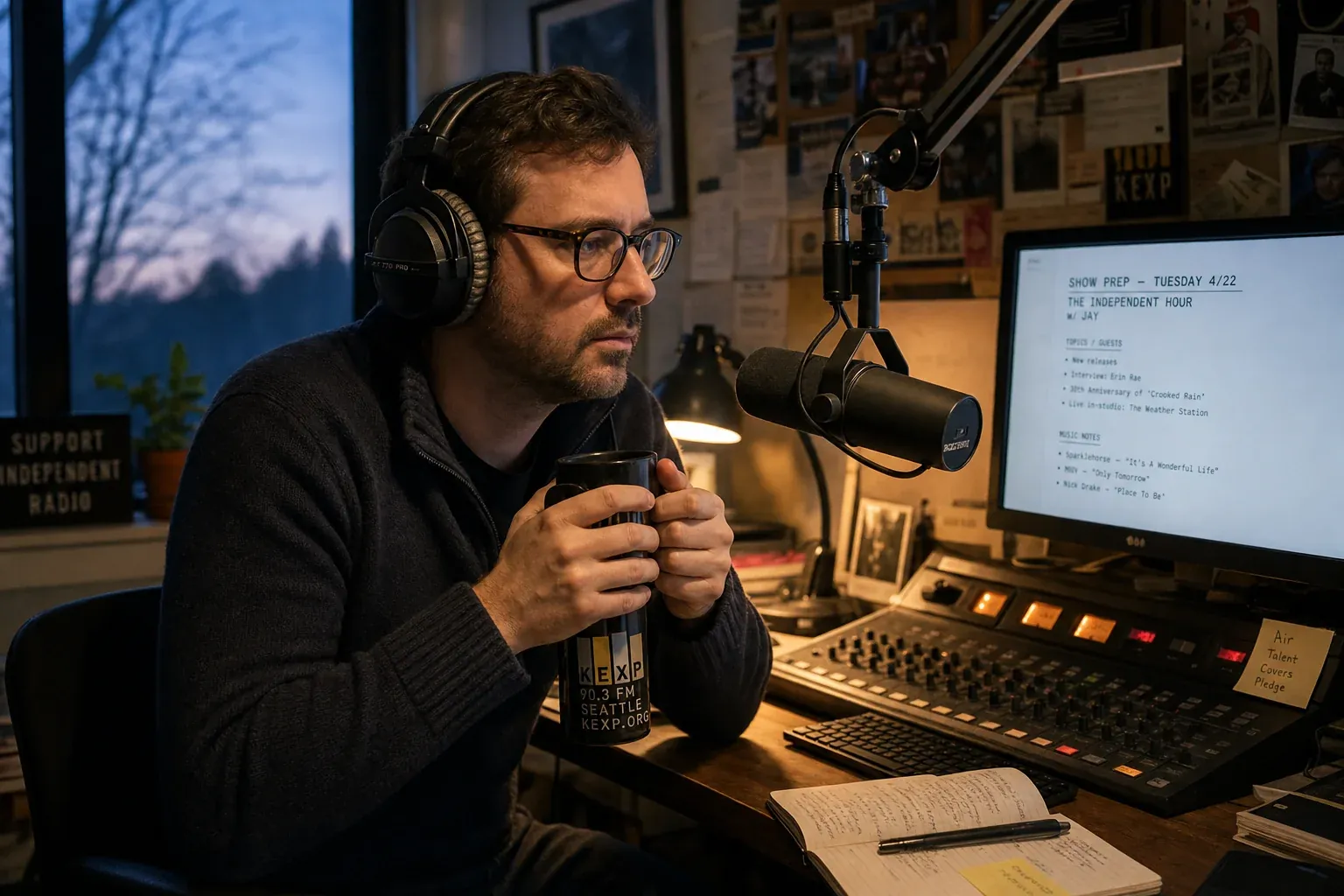
It's 4:50 AM in a small-market studio. The host has 70 minutes before the mic goes hot. There's no producer pulling tape, no news writer feeding the rundown, no social media manager queuing posts, no audio engineer cleaning yesterday's interview, and no research department telling them what worked last week. There is one person, one cup of coffee, and a stack of tabs.
Whether that hour ends in a confident, prepped show or a scrambling one comes down almost entirely to one question: what's in the stack?
This is a guide to that stack — the five AI tools a working solo host actually uses, what each one replaces, what it costs, and how the whole thing fits together in a real day. No enterprise demos. No "schedule a call with our sales team." Real prices a single person on a single seat can actually afford.
Why a Solo Host Needs a Different Stack
Most "AI for radio" coverage you'll read is written for content teams. It assumes a program director, a few hosts, a part-time prep person, and someone in promotions — five seats, five logins, five places the work gets divided. Enterprise tools are built around that division of labor. The pricing assumes it. The onboarding assumes it. The UIs assume it.
Solo hosts do not have that division of labor. They have themselves.
The right stack for a solo host isn't a smaller version of an enterprise stack. It's a consolidation: tools that each take on the work of a former teammate, with single-seat pricing that fits a real solo-host budget. Two design rules apply:
- One tool per role. Five tabs, not fifteen. Every extra app is a cognitive tax on a person who already wears five hats.
- Pricing that's economic at one seat. No "minimum 5 users." No "contact sales for a custom quote." If a single host can't see the price on the marketing site, the tool isn't built for this workflow.
Stations tell us this constantly: the people who win in small markets and as one-person shows are the ones who say no to the shiny enterprise demo and yes to the simple stack that runs every morning without thinking about it. The point is finishing the prep, not collecting tools.
The 5-Tool Solo Host Stack
Five roles. Five tools. Here's the stack.
1. AI Show Prep — Radio Content Pro
Replaces: the morning prep meeting + the news writer + the prep-service binder. Price: $99/mo (or $39/mo for the Daily Prep standalone, if you only need the morning brief).
This is the keystone of the solo-host stack. Show prep is the role that, when it's missing, breaks every other role downstream — you can't write social posts if you didn't prep the segment, you can't structure the newsletter if you didn't run the show. So it goes first. (For the broader category overview of how AI prep services have evolved, see AI tools for radio stations.)
Radio Content Pro gives a solo host format-specific daily content, hot topics, music news, sports if you need it, and ready-to-read segment ideas — built around your format and updated continuously. Open the app, scan the morning's prep, mark the three or four pieces you want, and you're done. Roughly the time it takes for the coffee to brew.
Format kits cover Hot AC, Country, CHR, Classic Hits, Rock, Urban AC, R&B/Hip-Hop, Spanish/Regional Mexican, News/Talk, Sports — there's likely a kit aimed exactly at your station. If you want a default plan for every day rather than building one from scratch, that's what Ava's Daily Prep does — a single morning email with the full prep already done.
For solo hosts especially, the value isn't "AI prep" as a category — it's time. The honest measurement to compare any prep service against is: how many minutes does it take from "I'm at my desk" to "I'm ready to walk into the studio." For a solo host running RCP, that number is typically 15–20 minutes. For a host pulling from five free sources and writing their own notes, it's an hour and change.
2. AI Audio Cleanup — Adobe Podcast Enhance or Descript
Replaces: the audio engineer. Price: Adobe Podcast Enhance is free at low volume (paid plans from ~$10/mo); Descript runs $24/mo for the Creator tier.
Solo hosts record everything in less-than-ideal conditions. Interviews over phone or Zoom. Cuts from the studio when the HVAC kicks on. Promos recorded between the morning show and the afternoon break, with no engineer to ride levels.
Both Adobe Podcast Enhance and Descript use AI to make any recorded audio sound like it was tracked in a studio: room noise gone, levels balanced, breath and umms detectable and cuttable, room echo reduced. Drop a phone-quality clip in, get a broadcast-quality file out, usually inside a minute.
The trick for a solo host is which one to pick. Quick rule:
- If you mostly clean audio, use Adobe Podcast Enhance. It's faster, cheaper, and excellent at one job.
- If you cut interviews or build segments from longer recordings, use Descript. The transcript-driven editor lets you cut audio like a Word doc — delete text, delete the audio.
Either way, this is the layer that lets a solo host put out audio that doesn't sound solo.
3. AI Social Media — ChatGPT or Claude with a Saved Prompt
Replaces: the social media manager. Price: ChatGPT Plus or Claude Pro is $20/mo. Either works.
The social media role is the easiest to under-resource and the one that hurts the hardest in 2026. Station digital footprint matters for discovery, for sponsor packages, and for the simple fact that listeners follow the show on their phone now, not just at the radio.
A solo host does not need a social media manager. They need a saved prompt and ten minutes.
Build one prompt that takes your three best segments of the day and turns each one into three platform-native posts: an Instagram caption, a TikTok hook, and an X/Threads post. Save it in ChatGPT or Claude. Run it after the show. Paste the segment notes, get back nine posts, copy the three you like, post them. Ten minutes from end-of-show to social done.
The tool here matters less than the saved prompt that's tuned to your voice. Spend an afternoon getting the prompt right — give it your station's name, your typical caption length, your hashtag rules, your voice (witty? warm? sharp?). Then leave it alone. The point is consistency, not creativity-on-demand.
4. AI Email Newsletter — Beehiiv or Substack with AI Drafting
Replaces: the email coordinator. Price: Beehiiv is free under 2,500 subscribers, ~$39/mo above; Substack is free with a revenue share if you charge.
Solo hosts increasingly own a listener email list — usually because no one else is doing it for them, and because email is the one channel where the platform doesn't change the algorithm out from under you. A weekly listener email is the highest-leverage marketing a small-market show has.
The hard part isn't the platform — it's writing the email week after week. Beehiiv's AI drafting takes the show notes, the link to the most-played segment of the week, and a one-line teaser for next week's show, and drafts a usable newsletter inside two minutes. Edit for voice, hit send.
The key for solo hosts is to keep the newsletter small: one segment recap, one thing happening this week, one ask (vote in a poll, reply with a topic, share with a friend). Don't try to publish a magazine. The AI is fast enough that you can write something short every week instead of something long never.
5. AI Analytics / Listener Insights — ChatGPT with PPM or Diary Data
Replaces: the research department. Price: Included in the same $20/mo ChatGPT or Claude subscription as Tool 3.
Solo hosts don't get a research department briefing. They get a PDF of Nielsen numbers, a Spotify-for-Podcasters dashboard, or a station-level analytics export — and almost never have time to actually read any of it.
This is where the most underused AI use case for solo hosts lives. Drop your monthly ratings export, your podcast download report, or your social media analytics directly into ChatGPT or Claude. Ask:
- "What's the biggest pattern in this data?"
- "Which day of the week has my best retention?"
- "Which segments correlate with the highest streams?"
- "If I had to change one thing about my show based on this, what would it be?"
The model won't replace a real research consultant for a big-market book. But for a solo host trying to understand what's working in their numbers, a 20-minute chat-with-your-data session once a month surfaces three or four moves that would otherwise sit invisible in a PDF.
(One note: scrub any subscriber-identifiable information before pasting it in. Listener data should be aggregated only.)
What the Whole Stack Costs
Transparent math, monthly:
| Tool | Role | Cost |
|---|---|---|
| Radio Content Pro | Show prep | $99 |
| Adobe Podcast Enhance (or Descript $24) | Audio cleanup | $10 |
| ChatGPT Plus (or Claude Pro) | Social + analytics | $20 |
| Beehiiv | Email newsletter | $39 |
| Total | 5 roles | ~$168/mo |
Lean version, if you're under 2,500 newsletter subscribers and use the free Beehiiv tier, comes in closer to $130/mo. Plus side — if you want Descript instead of Adobe Enhance, add $14.
Either way, the whole solo-host stack costs less than one hour of a content consultant. It also costs less than a single part-time prep contractor would for one week. And it covers the work of what used to be five seats.
A Day in the Life Using the Stack
Concrete beats abstract. Here's a real Tuesday in May 2026 for a solo Hot AC morning host in a market under #100:
4:50 AM — Walk in. Coffee. Open Radio Content Pro. Scan the morning brief — three pop culture stories, one music news item, two hot topics, the prep is already format-tuned to Hot AC. Mark the four pieces I'll use. 15 minutes total.
5:05 AM — Skim local. Five minutes in the local paper site and Facebook to catch overnight community news the national prep won't have. (Note for the small-market reader: this is the part the stack can't do for you — the local feel comes from the human.)
5:10 AM — Pre-show setup. Pull yesterday's interview clip into Adobe Podcast Enhance for a quick cleanup pass. Walk in to the studio. Showtime.
10:00 AM — Off-air. Pull the three best segments of the show. Open ChatGPT with the saved social prompt, paste the notes, get nine posts back. Pick three, schedule them. 10 minutes.
10:15 AM — Newsletter. Once a week (call it Thursday), open Beehiiv. Drop in the week's three best segment notes and a teaser for next week. Click AI draft. Edit for two minutes. Send.
Noon — Lunch.
3:00 PM — Monthly analytics, last Thursday of the month only. Export the month's listenership data. Paste it into ChatGPT. Ask three questions. Write down two takeaways. 20 minutes, once a month.
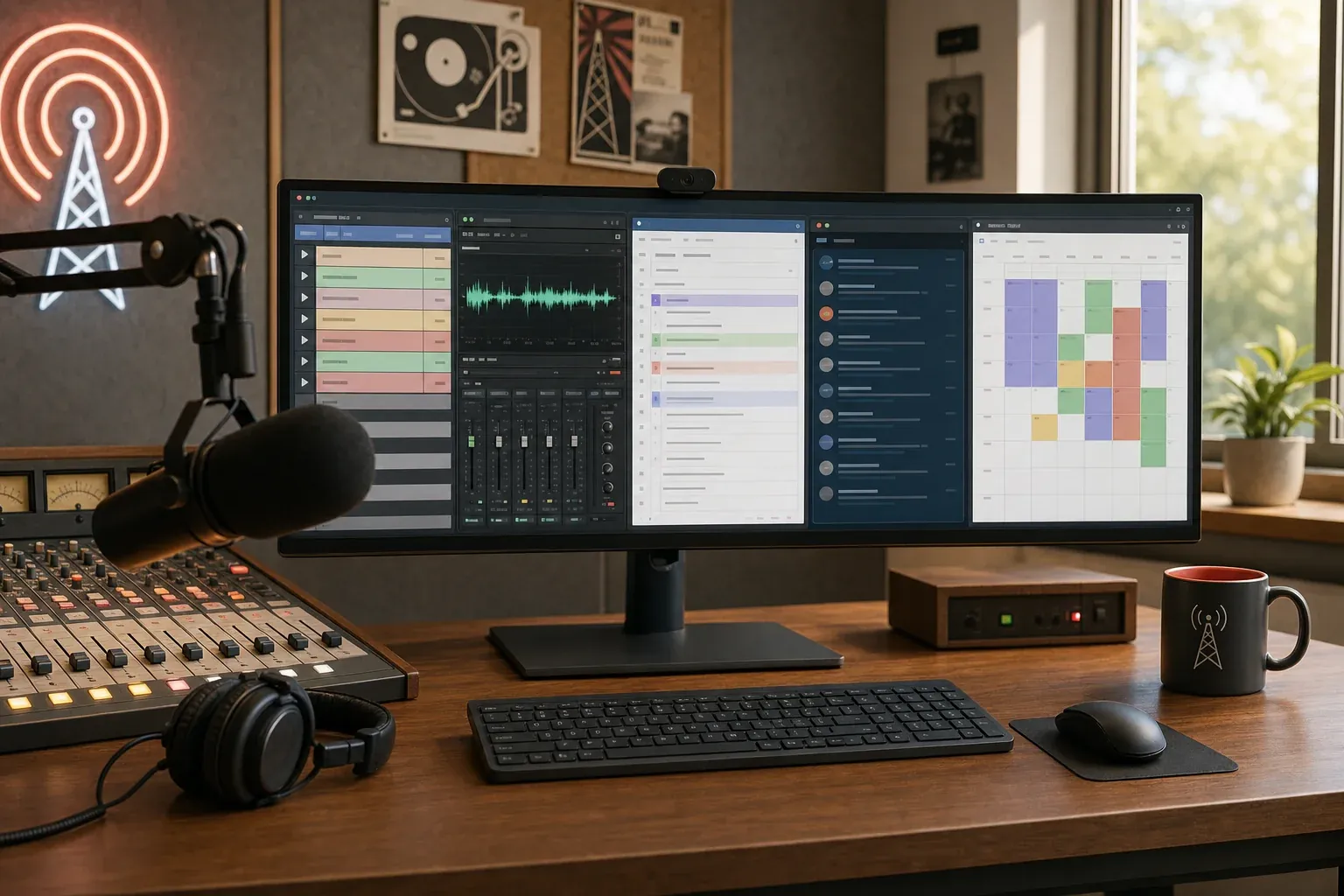
That's the whole stack-in-action workflow. The total daily AI-tool time is roughly 40 minutes, almost all of it before 10:30 AM. The rest of the day is actually doing radio.
Compare that against a solo host in 2020 trying to handle the same five roles without these tools — easily 4–5 hours of off-air work per day, most of it grunt work that didn't require their talent. That delta is the point of the stack.
Why Enterprise Tools Don't Fit a Solo Workflow
There's a category of AI radio tools — RadioGPT-class platforms, full-station prep enterprise platforms, multi-seat content systems — that get a lot of trade-press attention. They are not built for solo hosts. The reasons are structural, not bias:
- Seat-count minimums. Many enterprise platforms price at 3, 5, or 10 seats minimum. A solo host buying one seat does not pencil for either side.
- UI assumes a team. Approval workflows, role-based permissions, assignment fields, comment threads. None of which fit a single person doing all five roles.
- Onboarding requires stakeholders. A solo host doesn't have "the PD," "the morning show producer," and "the digital lead." They are all of them. Multi-stakeholder onboarding wastes the one resource a solo host has zero of.
- Sales-cycle friction. Get-in-touch contact forms, scheduled calls, custom proposals. A solo host on a Tuesday morning needs a tool they can buy, install, and use by Friday — not start a six-week procurement process for.
For a useful side-by-side, see AI radio host vs AI show prep — that piece breaks down the category difference between full-replacement tools and human-augmentation tools. The short version for a solo host: you want augmentation, not replacement. You're the personality. The stack is your team. If you want the head-to-head on the most common enterprise prep platform, see TopicPulse vs Radio Content Pro.
There's a sibling guide for slightly bigger small-market stations at AI for small-market radio — same philosophy, scaled up to a two-or-three-person staff. And if you're a solo host who also runs your show remotely (home studio, virtual contributors, no physical newsroom), the remote radio workflows guide pairs naturally with this stack.
The Trap to Avoid
The single biggest mistake solo hosts make with AI is chasing every shiny tool that launches. There's a new "AI for radio" startup every month. Most of them are well-meaning. Almost none of them fit the solo-host stack better than the five roles already filled.
The stack is finished when it covers prep, audio, social, email, and analytics. Adding a sixth tool to do something the existing five already do isn't an upgrade — it's a tax on attention. More tools mean more logins, more places to lose your place, and more reasons to be on a screen instead of behind a mic.
The discipline is to set the stack, run it for a quarter without touching it, then audit. If a tool is doing real work, keep it. If it isn't, drop it. If a new tool would replace a current one cleanly and save money or time, swap. Otherwise, no.
The goal is to make the AI invisible — running every morning, doing the work of the team you don't have, while you do the only part that actually has to be human.
Where to Start
The five-tool stack is most useful all at once, but it doesn't need to be installed all at once. Start with the role that's hurting the most right now — for almost every solo host we hear from, that's show prep. Get Radio Content Pro running for a week, see the time it gives back, then layer the next tool in.
Ready to simplify your show prep?
Try RCP free for 7 days. $0 until day 8
Frequently Asked Questions
What's the cheapest AI show prep tool for solo hosts?
Ava's Daily Prep is the cheapest entry point at $39/mo — a single morning email with format-specific show prep already built. It's the standalone version of Radio Content Pro's daily prep feature, and it's the right starting layer for a solo host whose budget is tightest. Step up to full Radio Content Pro at $99/mo when you want hot topics, music news, segment ideas, and the broader format kit content on demand throughout the day.
Can a solo radio host actually use AI to replace a content team?
Yes, with one caveat. AI tools can absorb most of the production work that used to require a team — prep research, audio cleanup, social writing, newsletter drafting, analytics summarization. What they cannot replace is the personality layer: your voice, your relationships in the community, your judgment about what your specific audience will care about. The stack frees up time for that layer; it doesn't substitute for it.
Do I need to know how to prompt AI to use these tools?
For most of the stack, no. Radio Content Pro, Adobe Podcast Enhance, Beehiiv, and Descript all work without prompting — you upload, click, get a result. The one tool that benefits from prompting is the ChatGPT or Claude layer for social and analytics. Spending one afternoon writing a saved prompt that matches your show's voice pays for itself for the next year — and there are plenty of free prompt templates online for radio hosts to start from.
What's the difference between AI for solo hosts and AI for big stations?
The biggest difference is workflow shape. Big stations need AI tools that fit into multi-person workflows — assignment, approval, permissions, hand-offs. Solo hosts need consolidated, single-seat tools that quietly do the work of a former teammate and never demand a meeting. The tools themselves overlap (Radio Content Pro is used by both), but the surrounding stack and the pricing model are completely different. Enterprise platforms aren't worse, they're just a different shape than a solo workflow needs.