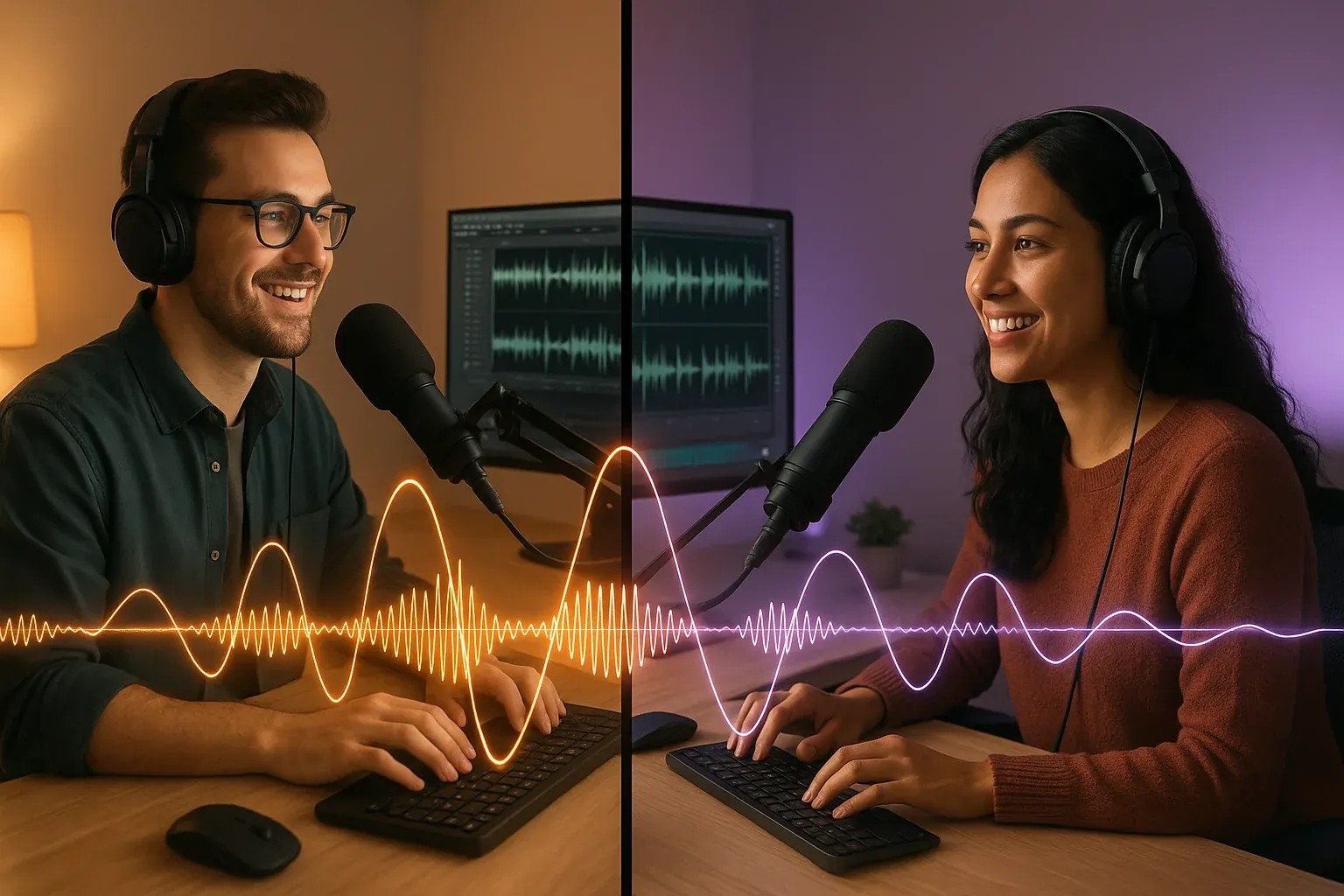

Remote radio broadcasting isn't new. Stations have been voice tracking and running remote broadcasts for years. What's changed is the scale. Entire teams — producers, hosts, content creators, traffic managers — now work from separate locations, sometimes in different time zones, sometimes in different states.
And the technology works. Cloud playout, webRTC, IP audio, shared storage — the infrastructure is solid. The real challenge isn't technical anymore. It's operational. How do you keep a distributed radio team coordinated, consistent, and sounding like they're all in the same building?
That's what this guide is about. Not the gear. The workflow.
Why Radio Teams Are Going Remote — and Not Coming Back
The shift to remote work didn't start with the pandemic, but the pandemic made it permanent. Stations that scrambled to set up home studios in 2020 discovered something unexpected: it worked. And in many cases, it worked better than they expected.
The economics tell part of the story. Remote operations reduce facility costs, and they open up the talent pool. A station in Boise can hire a producer in Nashville. A cluster in Texas can share content creators across three markets. That's not hypothetical — it's happening right now across groups of all sizes.
The numbers back it up. Industry data from remote production workflows shows that distributed operations can reduce on-site crew requirements by 50% or more — cutting travel, lodging, and equipment costs while letting stations reallocate those resources toward content and talent.
The technology tells the rest. Cloud-based automation systems can now handle everything from scheduling to playout without anyone touching hardware at the transmitter site. Browser-based tools let producers log in from anywhere. According to industry analysis from TV Technology, cloud-based playout and webRTC have enabled "all aspects of programming, production, and on-air to be done at home."
Radio's broader trajectory supports this too. As we noted in our look at radio industry trends for 2026, the stations adapting fastest are the ones rethinking how their teams operate — not just what technology they use.
The question isn't whether remote works for radio. It's whether your workflow is designed for it.
The 5 Biggest Challenges of Distributed Radio Teams
Remote radio broadcasting and production are possible. That doesn't mean they're easy. Here are the five problems that trip up most distributed teams — and they're all workflow problems, not technology problems.
1. Communication Gaps
When everyone's in the building, information flows naturally. You hear the morning debrief from across the hall. You catch the PD in the break room. Remote teams lose that ambient awareness. Without deliberate communication systems, people miss context, duplicate effort, or find out about schedule changes after the fact.
2. Content Consistency
If your morning host preps in Dallas and your midday talent preps in Phoenix, they might both end up running the same story. Or worse — they prep completely different angles that don't align with your station's positioning. Independent prep creates content drift.
3. Quality Control
Who reviews voice tracks before they air? Who catches the production error in the promo? In-studio, someone usually hears it. Remote, problems slip through because there's no one in the next room. Voice tracking best practices help, but they need to be backed by a review process.
4. Technical Coordination
Audio quality varies between home studios. File naming conventions fall apart. Someone uploads to the wrong folder. The unglamorous logistics of file management become a real issue when people aren't sharing a production room.
5. Team Culture
Radio is a team sport. The energy between a morning show host and their producer, the rapport with the news director — those connections matter. Remote work doesn't destroy them, but it doesn't maintain them automatically either. You have to be intentional: virtual coffee chats, cross-team Slack channels, occasional in-person meetups. Culture needs attention.
Building a Remote Radio Workflow: A 5-Step Framework
The stations that make remote work aren't winging it. They've built deliberate systems. Here's a five-step framework that works across formats and team sizes.
Step 1: Map Your Content Pipeline
Before choosing tools, document how content moves through your station. Who creates it? Who reviews it? Where does it live? When does it need to be ready?
Draw the path from "idea" to "on-air" for each content type: show prep, voice tracks, promos, digital posts, social media. Every handoff point is a potential failure point when the team is remote.
Step 2: Choose Your Tools (and Stick with Them)
You need four categories covered:
- Cloud playout and automation — your broadcast backbone
- Shared file storage — one place for audio, scripts, and production assets
- Real-time communication — Slack, Teams, or whatever your team will actually use
- Content management — where prep material lives and gets organized
The biggest mistake? Too many tools. Pick one per category and commit. Tool sprawl kills remote teams faster than bad internet.
Step 3: Set Communication Rhythms
Async doesn't mean silent. Establish predictable touchpoints:
- Daily: Quick morning check-in (15 minutes max). What's happening today, who needs what.
- Weekly: Planning meeting. Next week's priorities, content themes, schedule changes.
- Async: Shared channel for non-urgent updates, show notes, and "did you see this?" content sharing.
The rhythm matters more than the format. Consistency creates trust.
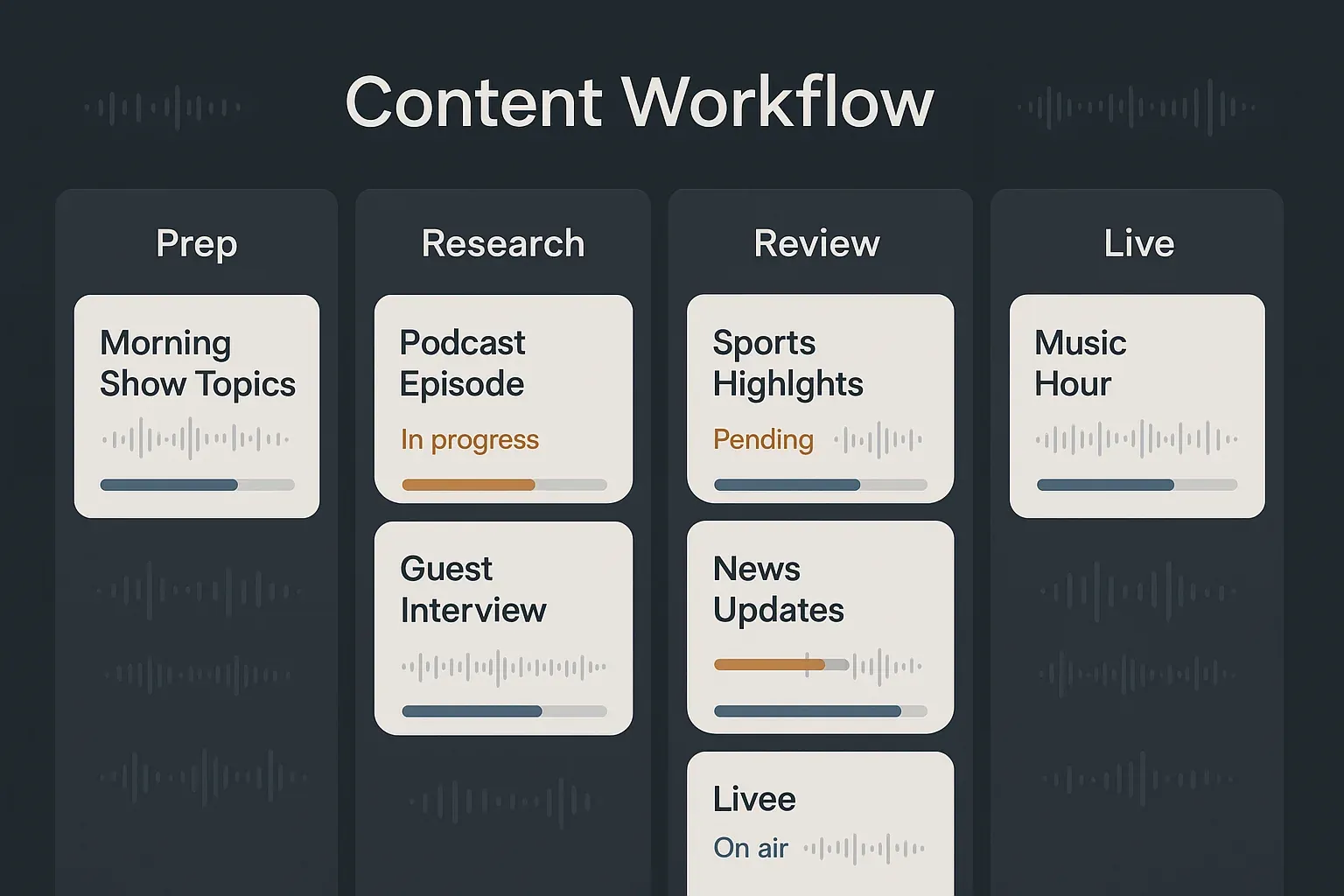
Step 4: Create a Handoff System
Every piece of content should have a clear owner at every stage. Use a simple status system:
- Draft — in progress, not ready for review
- Ready for Review — owner is done, needs approval
- Approved — cleared for air or publication
- Live — aired or published
Name files consistently. Use shared folders with obvious structure. It's boring work, but it prevents the "where's that voice track?" panic that derails remote teams.
Step 5: Build in Quality Checks
Don't assume quality happens. Schedule it:
- Voice tracks get reviewed before upload to the automation system
- Show prep gets a consistency check across dayparts
- Digital content gets a brand voice review before posting
Assign reviewers. Set deadlines. Make it part of the workflow, not an afterthought.
Remote Morning Shows: Making Distance Disappear
If there's one format that makes people skeptical about remote radio, it's the multi-host morning show. The chemistry, the spontaneous bits, the back-and-forth — can that really work when the hosts aren't in the same room?
Yes. But it takes more structure than an in-studio show.
Before the show: Share a prep document the night before. Not just topics — angles, potential bits, planned phone segments, and who's leading each break. Everyone walks in (or logs in) knowing the plan. Need inspiration? Our list of morning show content ideas is a good starting point for filling the prep doc.
During the show: Reliable talkback is non-negotiable. Hosts need to hear each other with zero perceptible delay. WebRTC connections through cloud infrastructure have made this workable — not perfect, but workable. Have a text-based backchannel too (a group chat) for real-time notes the audience shouldn't hear.
After the show: Debrief. What worked, what didn't, what content can be repurposed for social or digital. Even a ten-minute group call makes a difference. Remote teams skip this step more often than in-studio teams, and it shows over time — the show slowly loses cohesion without anyone noticing until ratings reflect it.
The secret to remote morning shows isn't technology. It's over-communicating. The shows that struggle remotely are the ones that under-prep.
How Content Automation Powers Remote Teams
Here's where the coordination challenge gets interesting. When five people prep content independently from five locations, you get five different versions of "what's important today." That inconsistency is the single biggest content problem for distributed teams.
Content automation solves this by giving everyone the same foundation. When your team starts from a shared, curated content base — stories already selected, formatted, and organized by relevance to your format — they spend less time searching and more time creating.
That's the core of what AI-powered show prep automation does for remote teams. Instead of each host hunting down their own material (and inevitably overlapping or missing things), automation provides a daily starting point. The host adds their personality, their local angle, their take. But the raw material is consistent across the team.
Radio Content Pro was built with this exact problem in mind. Format-specific content kits deliver curated, ready-to-use material that gives every contributor — regardless of location — the same high-quality starting point. The host in Phoenix and the host in Dallas both see the same story options, reducing drift and duplication.
It's the 80/20 flip: instead of spending 80% of your time finding content and 20% creating, automation reverses that ratio. For remote teams, that's not just a productivity gain — it's a coordination solution.
Frequently Asked Questions
How do you manage a remote radio team?
Start with clear roles and a documented content pipeline — who creates what, who reviews it, and when. Set daily and weekly communication rhythms so nothing falls through the cracks. Use cloud-based tools for playout and shared storage, and build review checkpoints into your workflow so content gets a quality check before it goes live.
What tools do remote radio stations need?
At minimum: a cloud playout or automation system, shared file storage (Google Drive, Dropbox, or similar), real-time communication (Slack or Teams), and a content management platform. Content automation tools like Radio Content Pro reduce the coordination burden by giving the whole team a shared content starting point.
Can morning shows work remotely?
Absolutely, but they need more structure than solo shows. Shared prep documents the night before, reliable low-latency talkback during the show, a text backchannel for real-time notes, and a post-show debrief all help maintain the chemistry that makes morning shows work. The key is over-communication — plan more, assume less.
Key Takeaways
- Remote radio broadcasting isn't just possible — it's becoming the default operating model for forward-thinking stations
- The technology works fine; the real challenge is building workflows that keep distributed teams coordinated
- Start with your content pipeline: map every handoff point, because that's where remote operations break down
- Set communication rhythms (daily check-ins, weekly planning) that create consistency without micromanaging
- Voice tracking and content automation are the backbone of remote operations — they keep quality consistent across locations
- Morning shows can work remotely, but they need more structure: shared prep, reliable talkback, and post-show debriefs
- Stations doing this well treat remote as a permanent strategy, not a temporary arrangement
Want a personalized walkthrough?
Schedule a 15-minute demo with our team.