
Guide
Build Your Character Profile
Your Character Profile is how Ava knows who you are on air. Here’s what she asks, how to answer well, how Radio Content Pro uses it, and how to keep it current.
What it is
Your on-air character, written down
Synopsis and summary
A snapshot of who you are on air, and a one-line version of it.Character-defining quote
A line that sums up how you see things.Quirks
The wonderfully weird things listeners remember first.Contradictions
The tensions that give you depth.Central conflict
The recurring struggle that keeps producing material.Potential storylines
Recurring themes you can own on air.Sense of humor
What makes you funny, and what sets off your best material.Likes and hates
What makes you light up and what makes you rant.Positive and endearing traits
Real strengths, and the flaws that make an audience root for you.
Why it matters
What your profile changes in Radio Content Pro
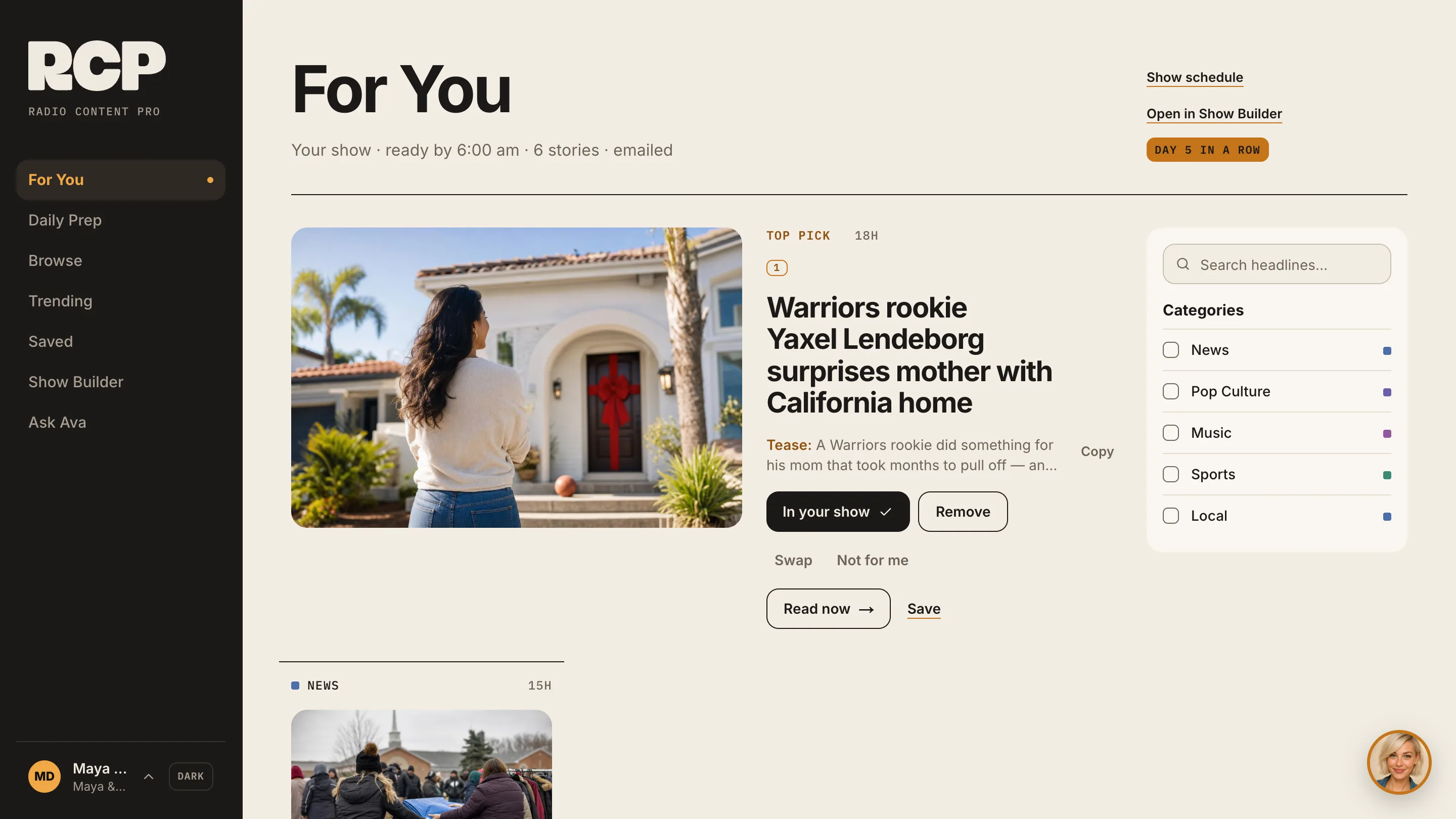
For You picks for your show
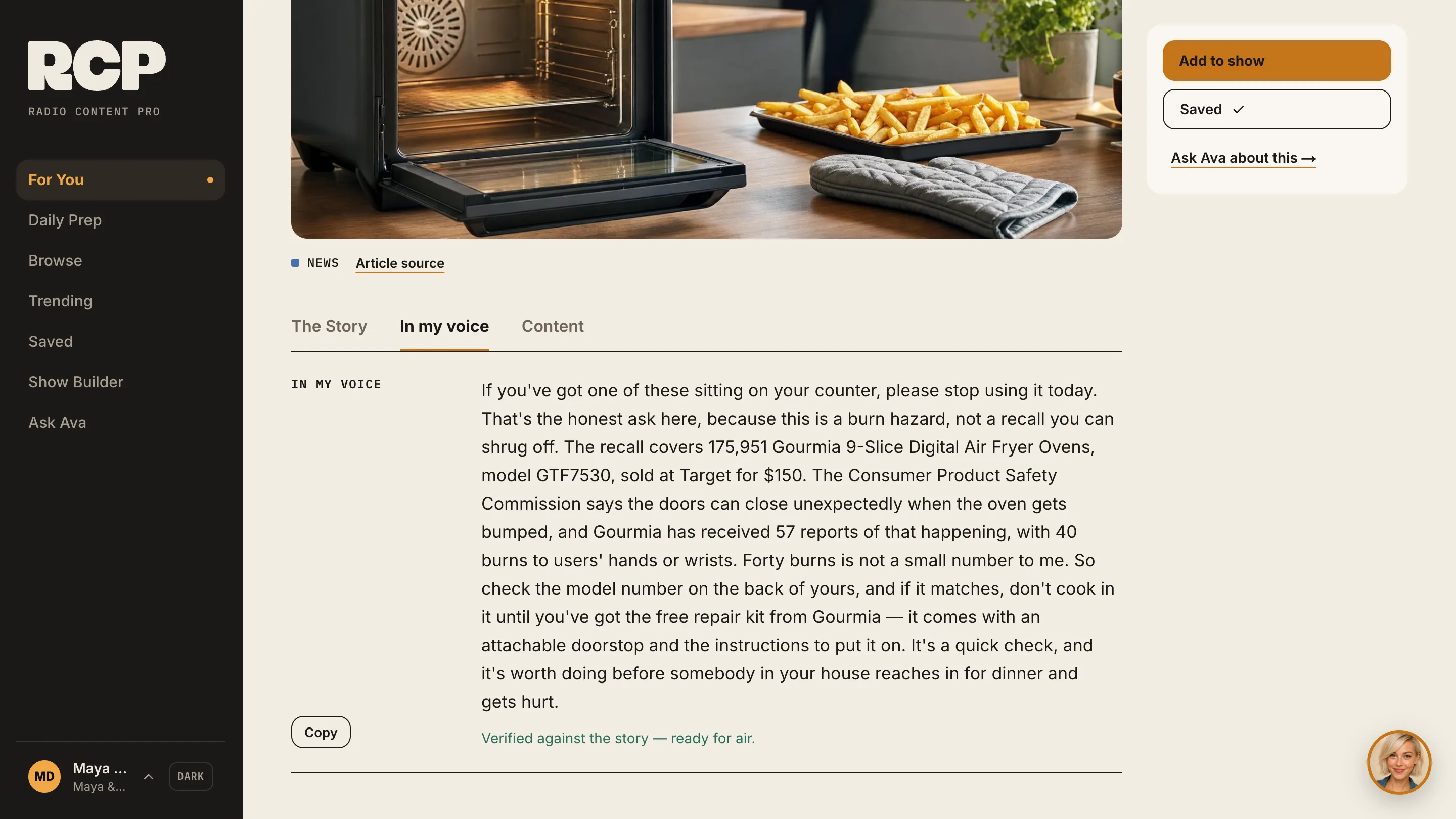
Stories written the way you talk
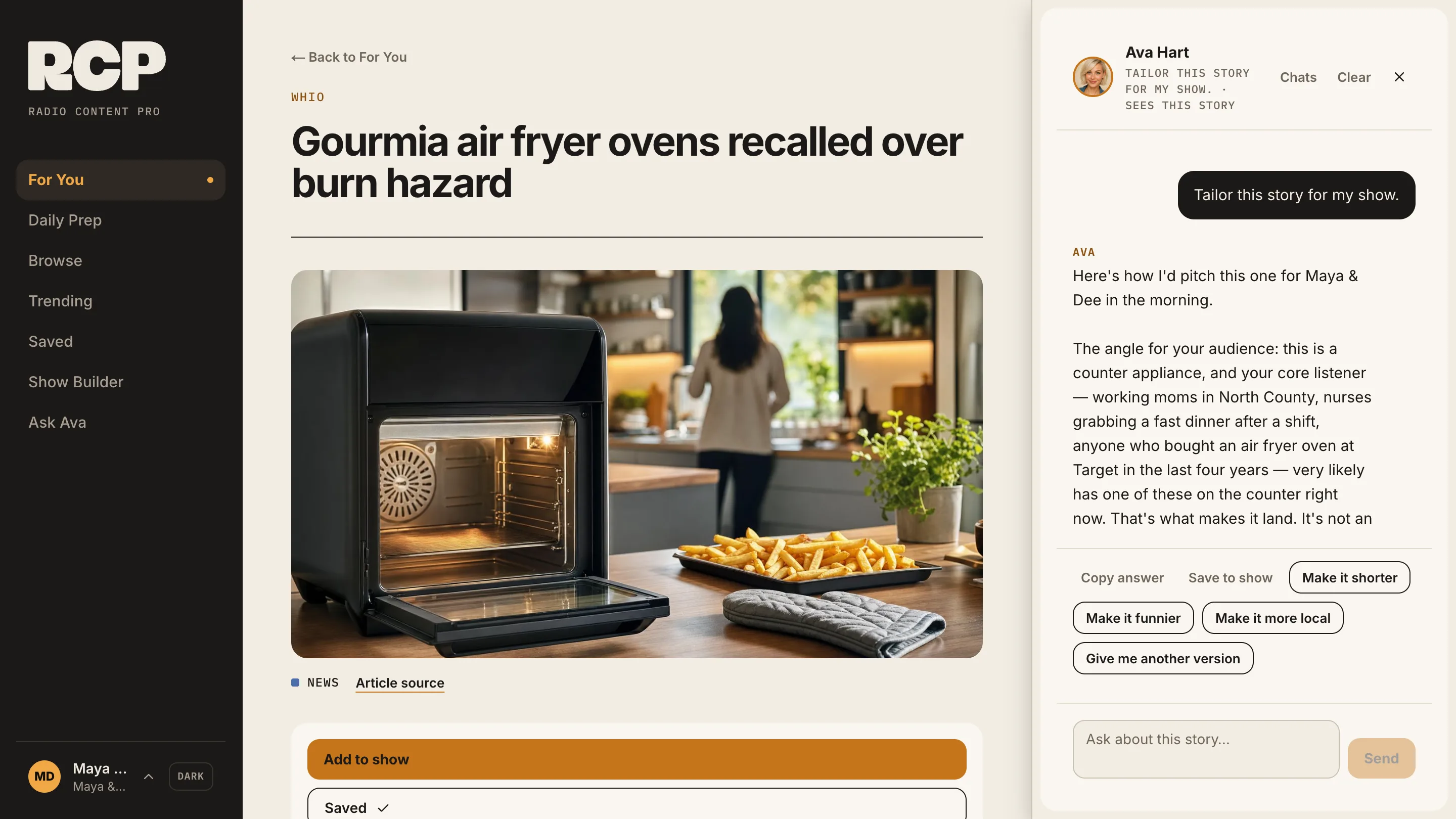
Ava already knows your show
The interview
What Ava asks about
Your station
Station, airtime, format, market and who you’re talking to.Your personality
What you love talking about, what you know best, who you get compared to.Your strengths and quirks
What you’re good at, what you’re not, and what friends tease you about.Your inner world
What you secretly love and hate, and what 13-year-old you would think of you now.Your reactions
What annoys you, what makes you happy, what makes you angry.Your brand
The words that describe you and what you want to be known for.
Start the interview
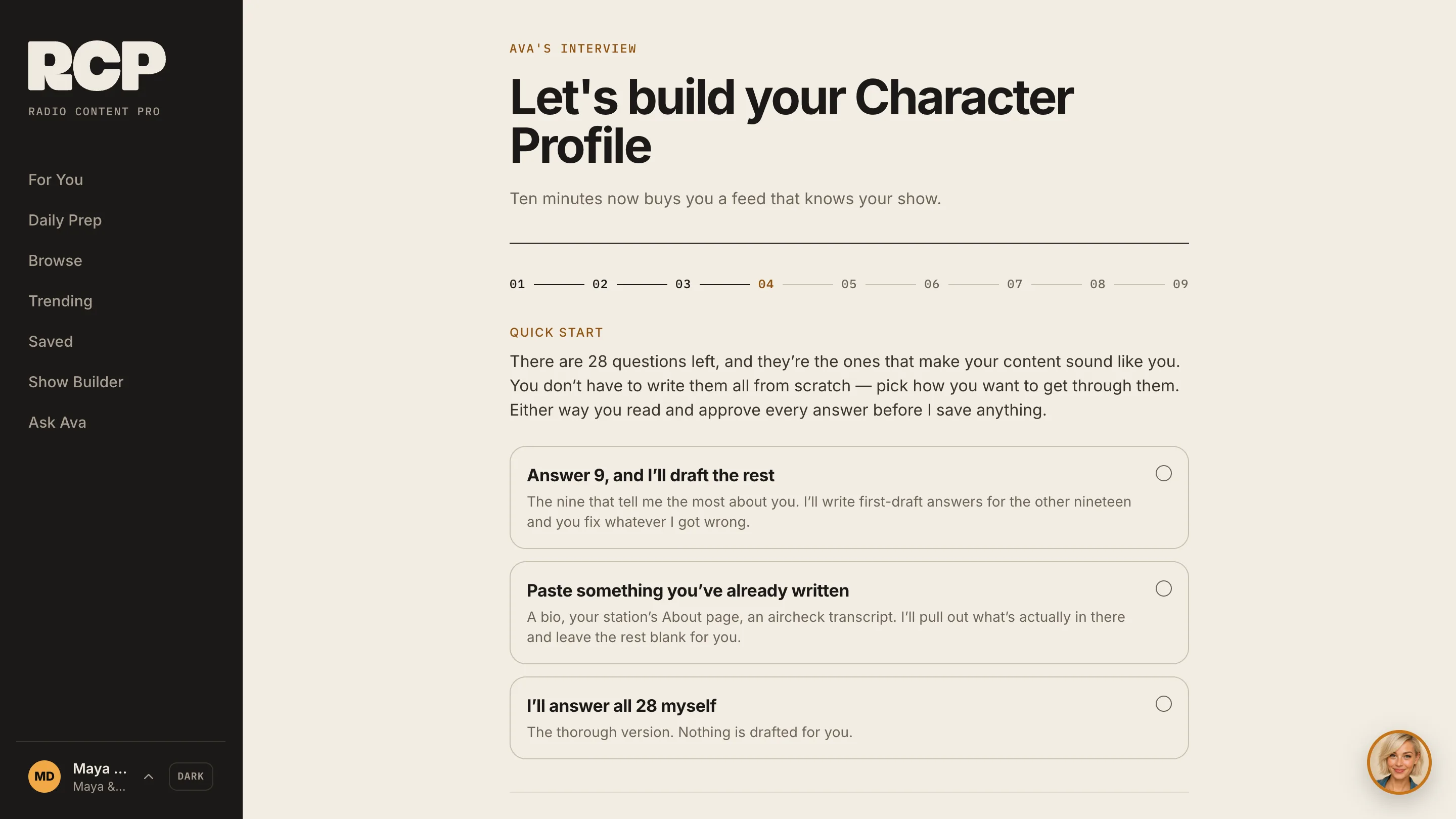
The first time you sign in to Radio Content Pro, Ava’s interview opens: «Let’s build your Character Profile». Fill in the basics (your on-air name, your language and your «Station timezone»), then press «Start the interview».
Pick how you want to answer
You don’t have to write every answer from scratch. Choose one of three ways:
- Answer the questions that tell Ava the most about you, and she drafts the rest for you to fix.
- Paste something you’ve already written, like your bio, your station’s About page or an aircheck transcript. Ava pulls out what’s in it and leaves the rest blank for you.
- Answer every question yourself. Nothing is drafted for you.
Tell Ava about your station
Your station, your airtime, your format, your market and your audience. Your market is where your local stories come from, so name the city.
Tell Ava about you
The rest of the interview is about you: your personality, your strengths and quirks, your inner world, your reactions and your brand. Be specific. Real examples beat adjectives.
Approve every answer
Ava saves nothing until you’ve read and approved every answer, including the ones she drafted.
Ava builds your profile
She turns your answers into your Character Profile, and For You fills with stories picked for your show. Your profile is on «Profile» in the menu.
Answering well
Thin answers vs specific answers
| Feature | Thin | Specific |
|---|---|---|
| What do you love talking about? | “Music and pop culture.” | “Ranking things nobody asked me to rank: gas station snacks, ’90s one-hit wonders, my neighbors’ Christmas lights.” |
| What are you good at? | “Connecting with listeners.” | “Getting callers to tell me the thing they’ve never told anyone, then making it funny without making them the joke.” |
| What annoys you most? | “Rude people.” | “People who stop dead at the top of an escalator. I’ve done four breaks on it and I’m not finished.” |
| Describe your audience | “Adults 25–54.” | “Mostly moms in the car between school drop-off and work, who want to laugh before their day starts.” |
Keep it current
How to update your Character Profile
Redo the interview
On your Profile, press «Redo interview» to go through it again with your answers filled in.Change one answer
In Settings, «Edit your Character Profile» lets you change single answers.Moved markets or shifts?
On your Profile, press «Edit on-air details» to change your market, station, format, airtime or audience.Skip a topic for good
Add it under «Stories to skip» on your Profile, and Ava never picks a story on it.Tell Ava how to write
Type tone notes in «Your notes to Ava» on your Profile and press «Save notes».Change your language
In Settings, pick a new language and press «Rebuild my Character Profile».
Try the free Character Profile tool

Real scenarios
How radio pros use character profiles
A morning host defining their voice
You’ve been on air for years but never put into words what makes you you. Your PD reads the profile and finally has language for what you bring.New talent building a brand
You have personality but no on-air identity yet. The profile finds the threads (your quirks, contradictions and humor) for you to build on.A PD developing the airstaff
Send the free tool to every personality on your station and review the profiles together. The contradictions reveal angles you haven’t explored.

Ask Ava. Your Character Profile is how I learn your show. Ask me about it.
Let Ava write in your voice
Start your trial and Ava’s interview is the first thing you see.
Questions
Character Profile questions
What is a radio character profile?
Is it free?
How long does it take?
Does Ava save answers I haven’t checked?
How does Radio Content Pro use my profile?
Can I change it later?
What language is my profile in?
More: how to work with Ava, the Show Builder guide, meet Ava and all guides.